
AI editing and enhancement of architectural images
Lotuz Studio takes raw renders, SketchUp images without finished materials, or old low-resolution renderings, and delivers them relit, with added landscaping, or upscaled to print quality. Every image is reviewed by an architect before delivery.
- We accept .jpg, .png and .psd files
- Talk to us directly on Zalo, no forms to fill in
- An architect reviews every image — nothing goes out straight from the machine
Two ways to work with us
One technology platform, two ways to use it. Choosing the right one from the start saves time on both sides.
Do it yourself with Lotuz.AI
A toolkit developed in-house by Lotuz that works directly inside Photoshop: controlled image generation, relighting, upscaling and prompt suggestions. You run it yourself and pay per use.
- Suits firms with in-house visualization staff working regularly
- Install once, use right inside Photoshop
- Tool details and pricing at lotuz.ai
Outsource to the Lotuz team
No installation, no account and no new tool to learn. Just send your images with a description of what you need, and we deliver the finished files.
- Suits urgent jobs or small batches that demand high reliability
- An architect is accountable for the delivered result
- Revisions within the scope agreed at the outset
Frequently requested options
Naming the exact service helps us quote faster and more accurately.
Enhancing lighting and materials in raw renders
The render is finished but the surfaces still look flat: glass lacks reflections, concrete looks washed out, shadows lack depth. We handle it in post-production to bring the image to photorealism without re-rendering from scratch.
Adding trees, people and vehicles
The developer asks for extra landscaping or lifestyle elements at the last minute. We add them directly to the existing images, with no need to reopen the model and wait hours of rendering for each view.
Changing the time of day and the sky
Switch from midday sun to late-afternoon light, or the reverse. Lighting, shadows and overall color tone are adjusted consistently to the new time of day.
Upscaling for large-format print
Your old images are only 1000–2000px and the printer says the quality isn't good enough. We upscale them sharp enough for standees, hoardings, backdrops or printed material, preserving every architectural line.
Renderings from a rough SketchUp model
You only have a massing model, with no materials or lighting set up yet, but you need presentation images for your next meeting.
Color matching across an image set
A multi-view set drifts in color and lighting because it was rendered in separate batches. We balance it so the whole set looks as if it was produced in a single pass.
Scope of AI intervention
This is a boundary Lotuz sets deliberately. An architectural image with wrong massing, presented to a developer, directly damages the sender's credibility — so this matters more than showcasing pretty pictures.
May be adjusted
- Lighting, sun direction and time of day
- Sky, clouds and weather
- Surrounding trees, landscape and water
- People, vehicles and lifestyle details
- Resolution and sharpness
- Overall color tone, contrast and post-production
Kept strictly unchanged
- Number of floors and building height
- Massing, proportions and architectural lines
- Position and size of openings, balconies and sun louvers
- Specified facade materials
- Composition and camera angle of the original image
- Everything that belongs to the design scheme
Intake and delivery process
Four steps, handled entirely via Zalo.
Receive original files and revision brief
We accept .jpg, .png and .psd formats. A one-sentence brief is enough, for example “switch to late-afternoon light, add trees on both sides of the entrance”. Reference images speed things up considerably.
Quote and committed timeline
After reviewing the original images, we confirm the scope of work, the per-image fee and the delivery time. If an original isn't good enough to produce a worthy result, we tell you frankly at this step rather than accepting the job and delivering a substandard result.
Approve the preview
A watermarked preview lets you check composition, lighting and the accuracy of the building before you pay.
Deliver finished files
Once you approve, we deliver full-resolution files without the watermark.
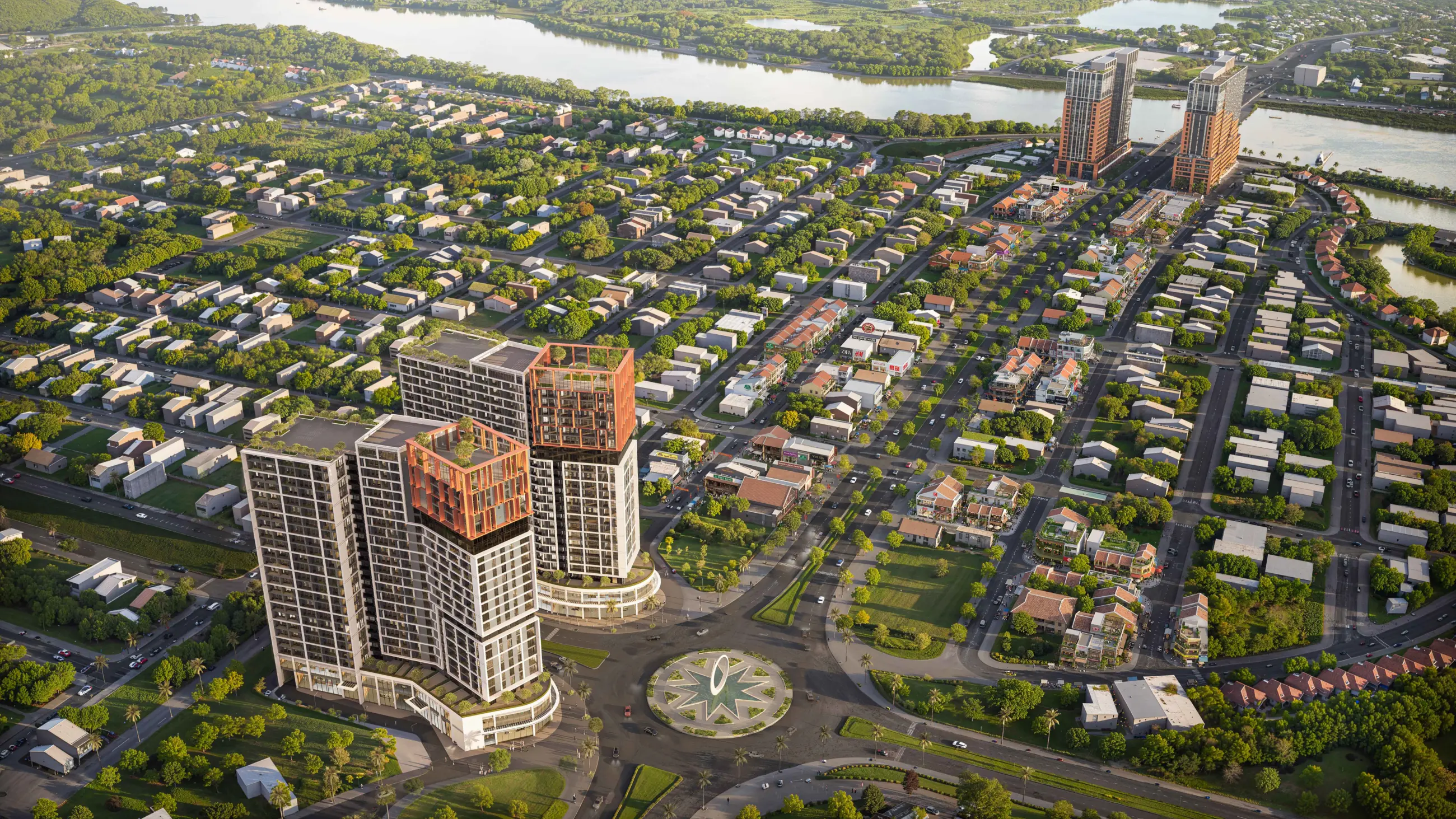
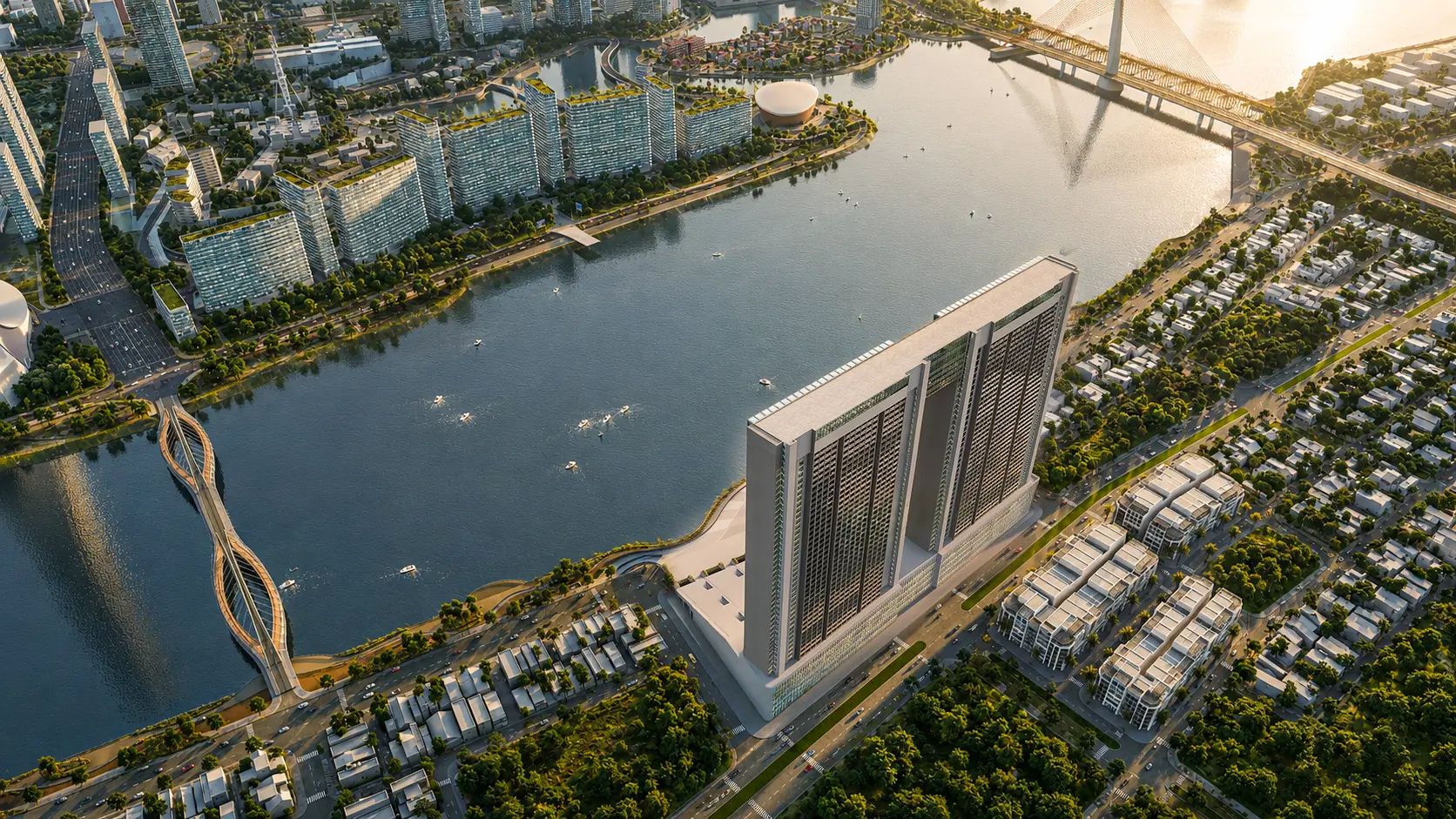
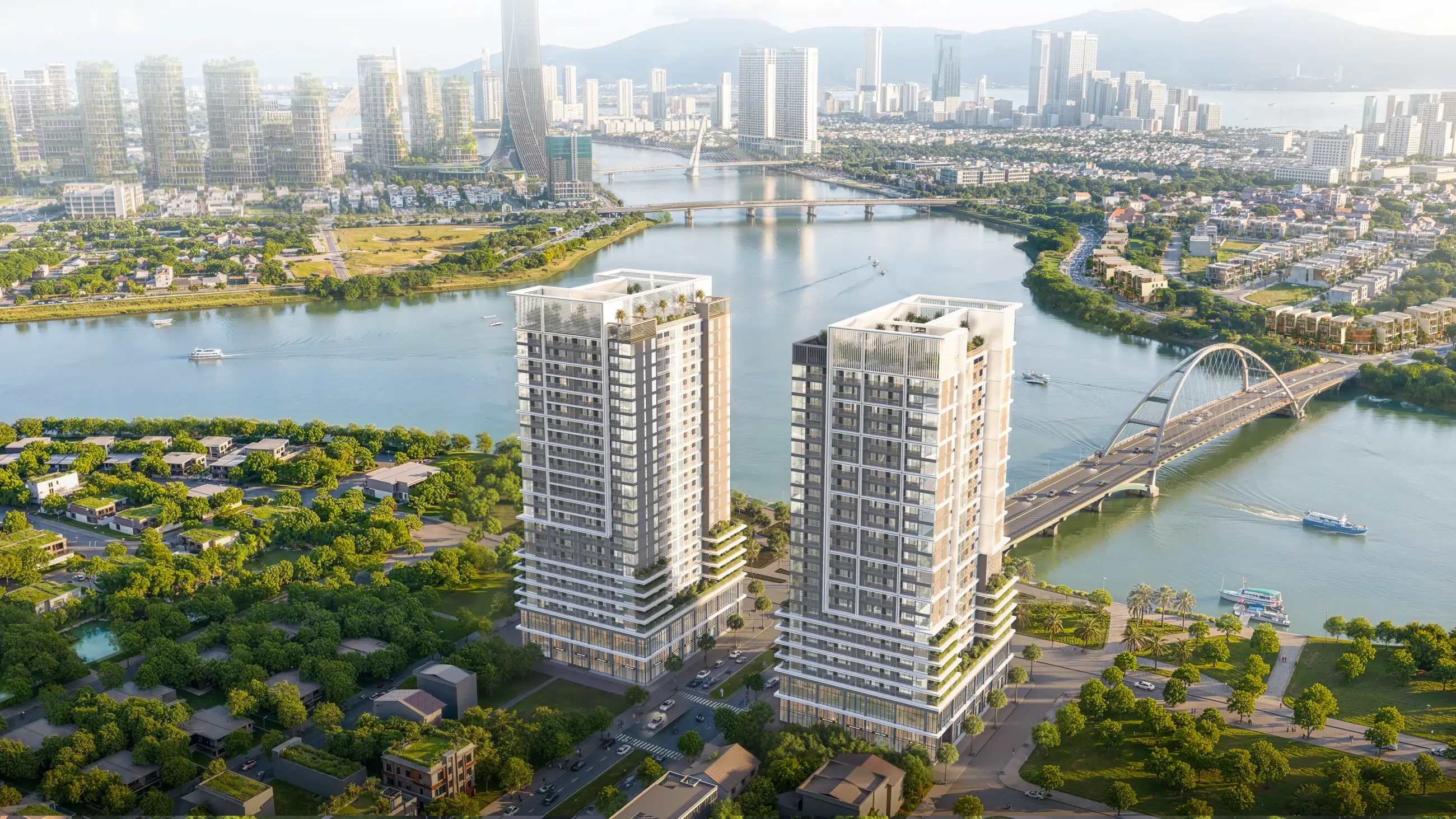
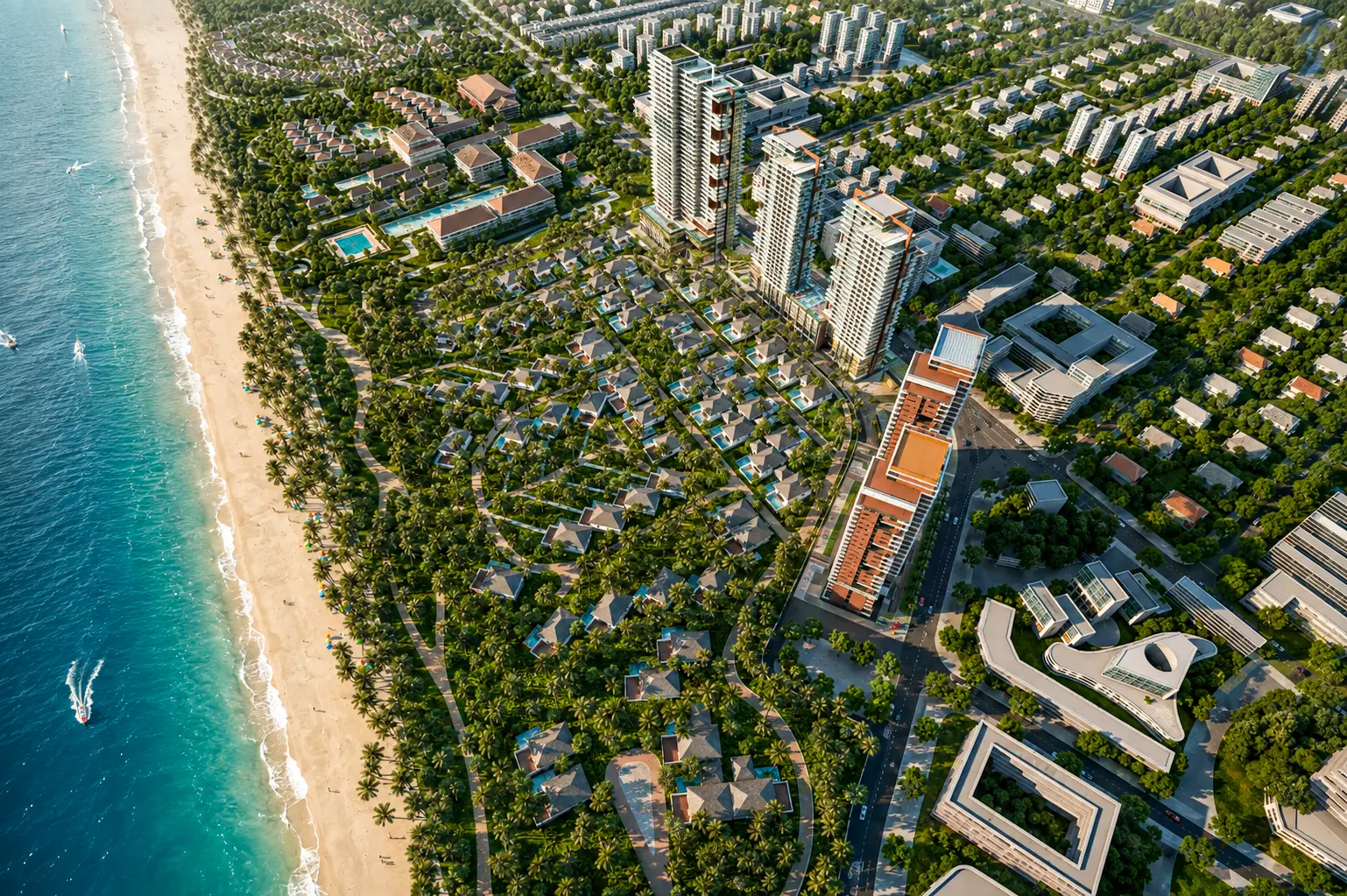
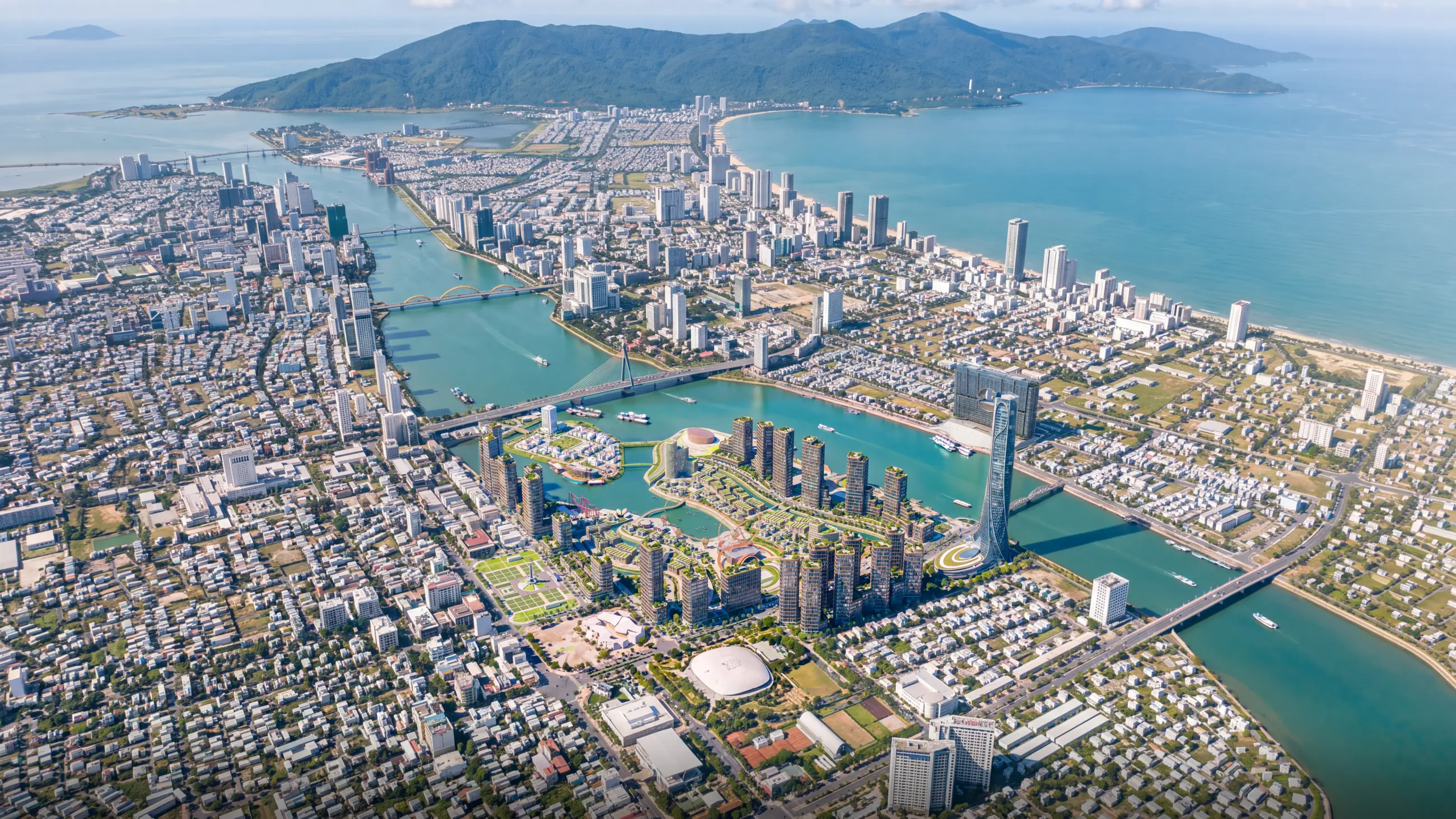
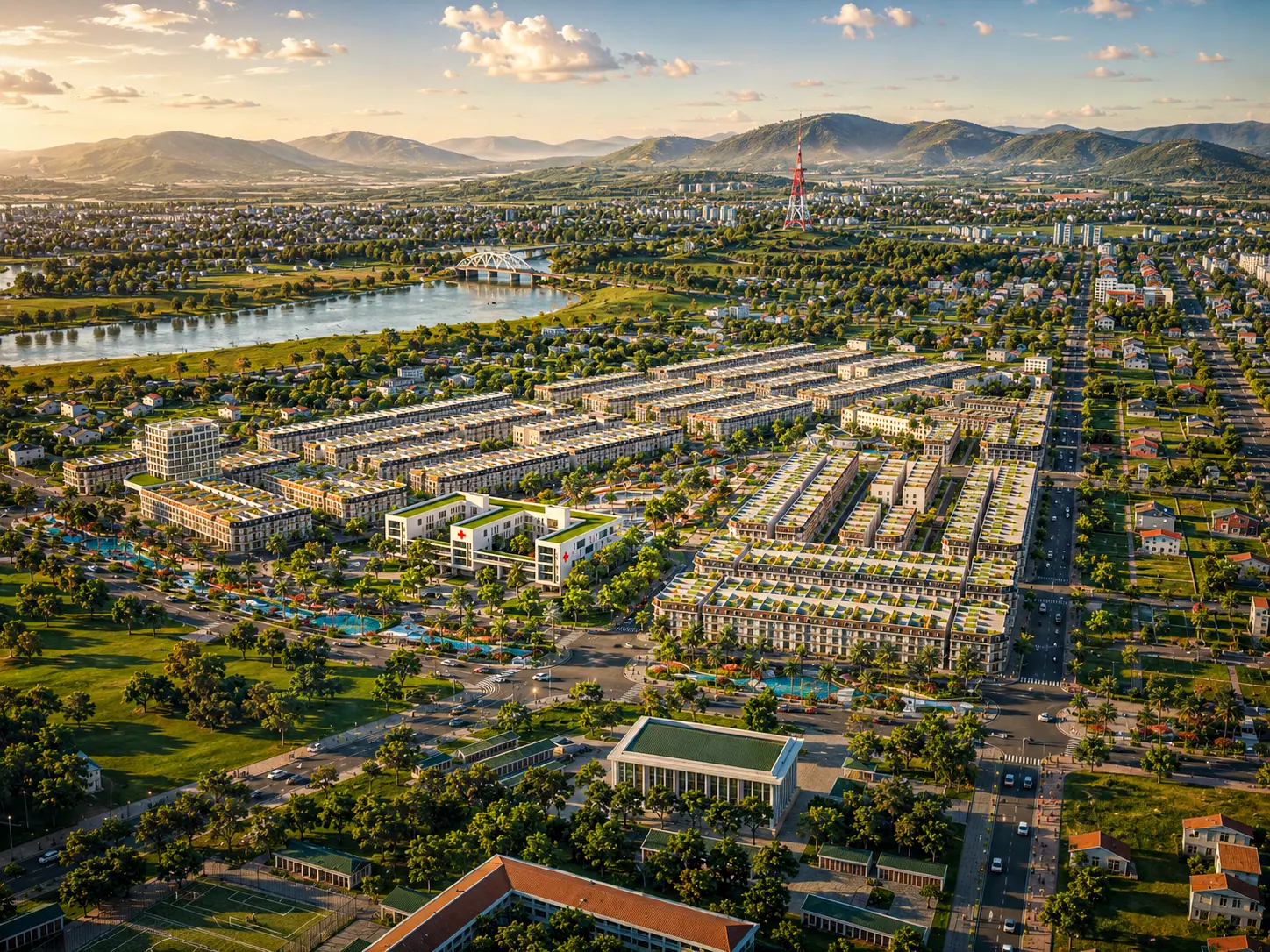
Selected visualization projects by Lotuz
The team behind the visualization for the projects below is the same team that reviews your AI images.
Capabilities and technology
Lotuz Studio does not rely only on off-the-shelf commercial software. We build our own in-house tools for our own workflow — the practical reason we can shorten timelines and keep pricing stable.
Lotuz.AI — our in-house AI toolkit for Photoshop
Controlled image generation, relighting and resolution upscaling, running directly inside Photoshop. It is a commercial product on public sale at lotuz.ai.
- What you get: a much shorter post-production stage, so we can take on rush requests too
A sync bridge between SketchUp and 3ds Max
An in-house tool that pushes changes from a SketchUp model to a 3ds Max scene while keeping the materials and lighting setup already in place.
- What you get: mid-project design changes do not force a scene rebuild from scratch, so the schedule does not slip
AI image processing that runs on our own workstations
Background removal, selection and edge refinement are processed locally in our office; files are never uploaded to third-party cloud services.
- What you get: unreleased project files never leave our systems
Our own 360 tour management system
We build and manage tours ourselves on krpano, including multi-resolution image tiling so tours open fast even on weak connections.
- What you get: tours you control yourself, with no dependence on a foreign platform subscription
A ten-person team doing the work directly
The person you talk to is the person who does the work. No call center, no coordination middlemen, no handoff to a third party.
- What you get: focused technical feedback from the very first conversation
Multi-format input files
We accept models from SketchUp, Revit, 3ds Max and Rhino, as well as CAD drawings. For projects without a model, 3D modeling is quoted as a separate item.
- What you get: no file conversion needed before sending your documents
Cost and delivery time
Fees are per image and depend on the workload. Send your images via Zalo to get a quote and delivery time for your specific set.
- Priced per image, not per hour.
- Please tell us the print size or final channel (standee, hoarding, printed material, social media) so we can choose the right resolution from the start.
FAQ
Will AI distort our design?
Can you work with blurry or very small original images?
How much does each image cost?
How long does delivery usually take?
How many revisions are included?
Are images from unreleased projects kept confidential?
How does this service differ from buying usage credits on lotuz.ai yourself?
Send one test image to judge the quality
Contact us via Zalo or call us directly. The person who takes your request is the person who does the work — no switchboard, no forms.
- Original images in .jpg, .png or .psd format
- What needs to change — one sentence is enough
- Final use: large-format print, presentation or social media
- Required delivery deadline, if any