
The technology behind Lotuz 360 tours
This page is for technical teams and anyone who wants to know exactly what a tour is built with before approving the proposal. We describe the technology we actually use and don't name platforms that aren't in the real product.
- krpano platform, built and operated in-house by Lotuz
- No dependence on foreign platform subscriptions
- A live tour is embedded right in the middle of the page, ready to use here
Two routes to a tour, and why they can be combined
A 360 tour can come from two completely different sources, and most misunderstandings about cost and timeline stem from not telling these two routes apart.
Tours built from a 3D model. The building doesn't need to exist: from drawings and the model, each position is rendered as a spherical image. This is the only route available while a project is still on paper, and it lets you choose the time of day, material options or interior options — things a camera cannot do. The trade-off is that quality depends on the input model, and the rendering workload is considerably larger.
Tours shot on location. Once a building is complete, it is photographed directly with a camera and panoramic head. It is faster, cheaper and — most importantly — viewers know they are seeing the real thing, not a rendering. The limitation is that anything not yet built simply cannot be photographed.
They can be combined in a single tour. This is very common on phased projects: handed-over areas are photographed, zones under construction are built from the model, and everything is linked into one navigation system so viewers move through seamlessly. Lotuz handles both ends, so there is no need to split the tour in two or stitch together two providers.
Technical Specifications
| Tour-building platform | krpano — installed and operated by Lotuz on its own infrastructure, with no monthly subscription service |
|---|---|
| Image format | Spherical panoramas cut into multiple resolution levels (tiled multires) to load by the area being viewed |
| Loading | Progressive tiled loading: the overview appears as soon as the tour opens, and detail loads only as you zoom in — it works on weak connections |
| Viewer platform | WebGL in the browser; no apps, extensions or plug-ins to install |
| Supported devices | Phones, tablets, computers, sales-counter touchscreens and consumer VR headsets |
| Navigation | Floor hotspots for moving between scenes, a mini floor plan, an area list and auto-rotation when idle |
| Info points | Placed anywhere in the space, opening text, images, downloadable documents or external links |
| Day and night mode | Two image sets for the same position, toggled by the viewer directly within the tour |
| Deployment | Static files — hosted on Lotuz infrastructure or handed over for you to self-host; embed code for your website included |
| Offline version | A version that runs without internet, installed on computers or touchscreens at the sales counter |
| Not included in the product | Measurement tools and dollhouse-style scanned models — Lotuz does not provide these and makes no commitment on either |
Why this technical choice works in your favor
Each technical decision above leads to a concrete consequence for cost or control.
No monthly subscription fees
Many popular virtual tour platforms charge a monthly fee per space, and the tour stops working when you stop paying. Lotuz tours are static files with no expiry mechanism.
The tour stays under your control
We can hand over every file so you can host it on your own infrastructure. No lock-in to a single provider.
Fast to open on weak connections
Tiled images let the tour display almost instantly and then load more detail, instead of making viewers wait for a heavy full image.
Runs where there is no internet
On-site sales galleries often have unreliable connections. The offline version solves this for good.
Interface customized to the project's brand identity
Operating the platform ourselves means we can adapt the interface, buttons and layout to each project's brand identity, without being locked into ready-made templates.
No dependence on third-party policies
Foreign platforms can change prices, change terms or stop serving a region. A tour made of static files carries none of that risk.
Static files vs. monthly subscription: what's the difference
This is the technical difference with the biggest commercial consequences, so we set it out separately rather than scattering it around. We describe the two mechanisms without naming any provider.
Static-file tours (the Lotuz way)
- The whole tour is a set of image and code files that runs wherever it is placed — on Lotuz infrastructure or your own.
- There is no server to ask for permission before displaying, so there is no expiry or account lockout.
- Back up by copying the folder. To switch hosting providers, copy it over and the tour runs exactly the same.
- Embedded in your project website with embed code, the tour sits inside your page instead of sending viewers elsewhere.
- We can export a version that runs without an internet connection for computers at the sales counter.
Tours hosted on a subscription platform
- The tour lives in a provider's account; it only displays because their servers deliver it.
- Stop paying and the tour stops working, even while the project is still selling.
- The link usually carries the provider's domain, so brand credibility and traffic flow to them.
- Leaving depends on whether the provider allows data export, and in what format.
- Prices and terms are set by a third party and can change during a project lifecycle that runs for years.
How we build a tour
This is the actual sequence we run. The two review points are clearly marked so you know when to assign someone to view and give feedback.
Agree on the list of stops
Working on the floor plan, we agree with you where the tour will stop and how viewers move from one point to the next. The number of stops is the variable with the biggest impact on cost, so locking it early avoids extra charges later.
Create spherical images for each point
Built projects are photographed on location with a camera and panoramic head. Unbuilt projects are rendered from a 3D model. A single tour can use both methods for different zones.
Stitching and image correction
We stitch the frames into seamless spherical images, balance exposure and color between points so transitions feel smooth, then cut them into multiple resolution levels.
Build navigation and info points
We place scene-transition points, floor plans and an area list, and attach info points that open text, images or documents. If the project needs day and night modes, both image sets are linked in at this stage.
Apply the project's brand identity to the interface
We change colors, buttons, logo and layout to match the project's brand identity. This step is why we operate the platform ourselves instead of using ready-made templates.
Handover and website embedding
We hand over all files plus embed code so the tour runs inside your project website. If needed, we also export an offline version for sales-counter computers. The tour is static files, so there is no app installation step.
What we need from you, and what you get back
What you send us
- Floor plans or the masterplan, so we can agree on the list of stops together
- 3D model and drawings, if the tour covers parts not yet built
- Site access schedule, if the tour is shot on location
- Project brand identity: logo, colors, fonts
- Content for info points: area names, floor areas, documents to attach
- The domain or page where the tour will be embedded, if already decided
What you receive
- The finished tour, running in the browser on phones and computers
- All tour files for self-hosting, independent of Lotuz infrastructure
- Embed code to place the tour on your project website
- An offline version for computers or touchscreens at the sales counter, on request
- Original full-resolution spherical images
- A short guide to replacing images and editing info-point content after handover
Three projects and the technical challenge behind each
The four tours below open and play instantly. This section covers what you don't see when you open a tour: the problem that had to be solved to make it run that way.
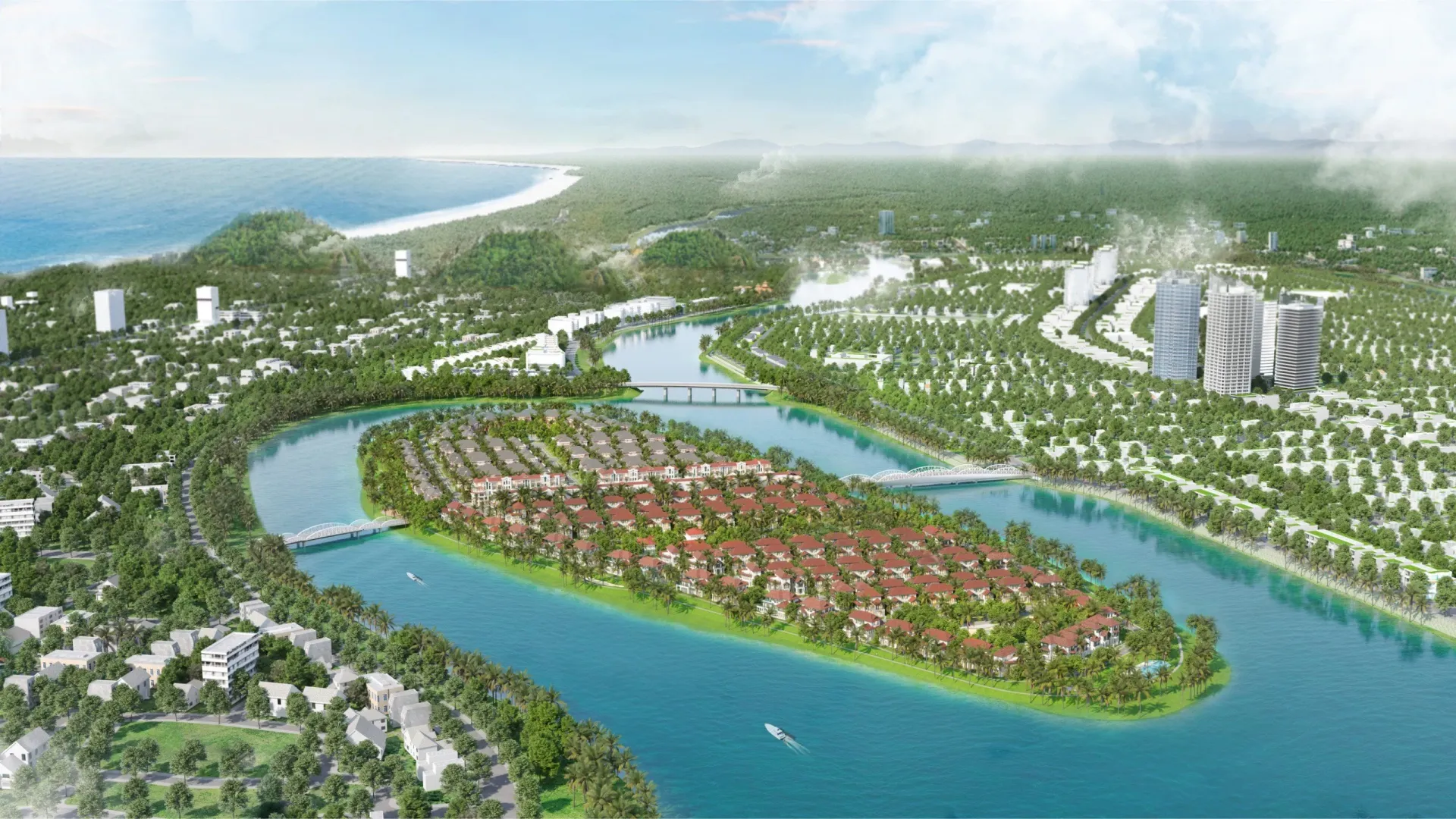
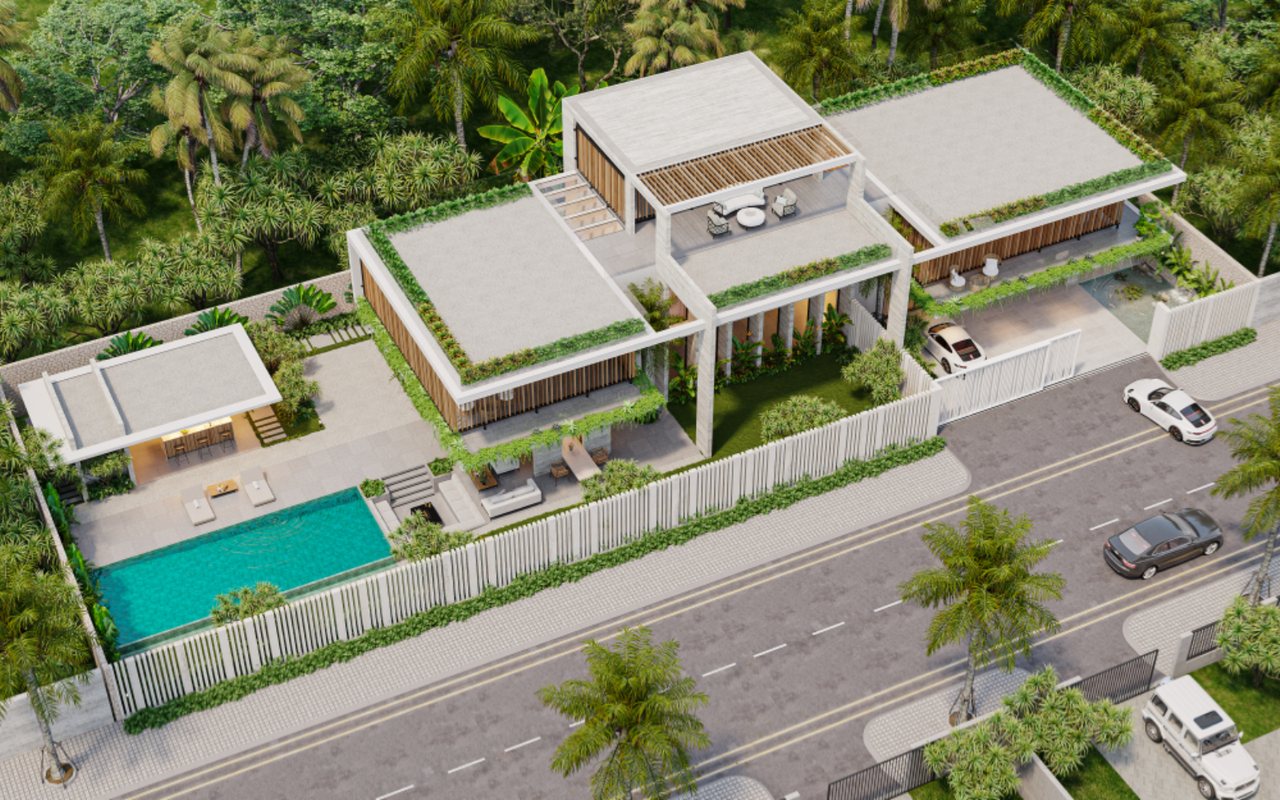
Casa Del Jardin
This is the tour with the most layers of functionality: day and night modes, floor plans, and info points leading from the exterior into every interior room. The hard part was balancing exposure between the day and night image sets so that when viewers toggle between them, the frame doesn't shift in color or viewing angle.
- Two image sets for the same position
- Floor plans linking exterior and interior
- The tour embedded at the top of this page
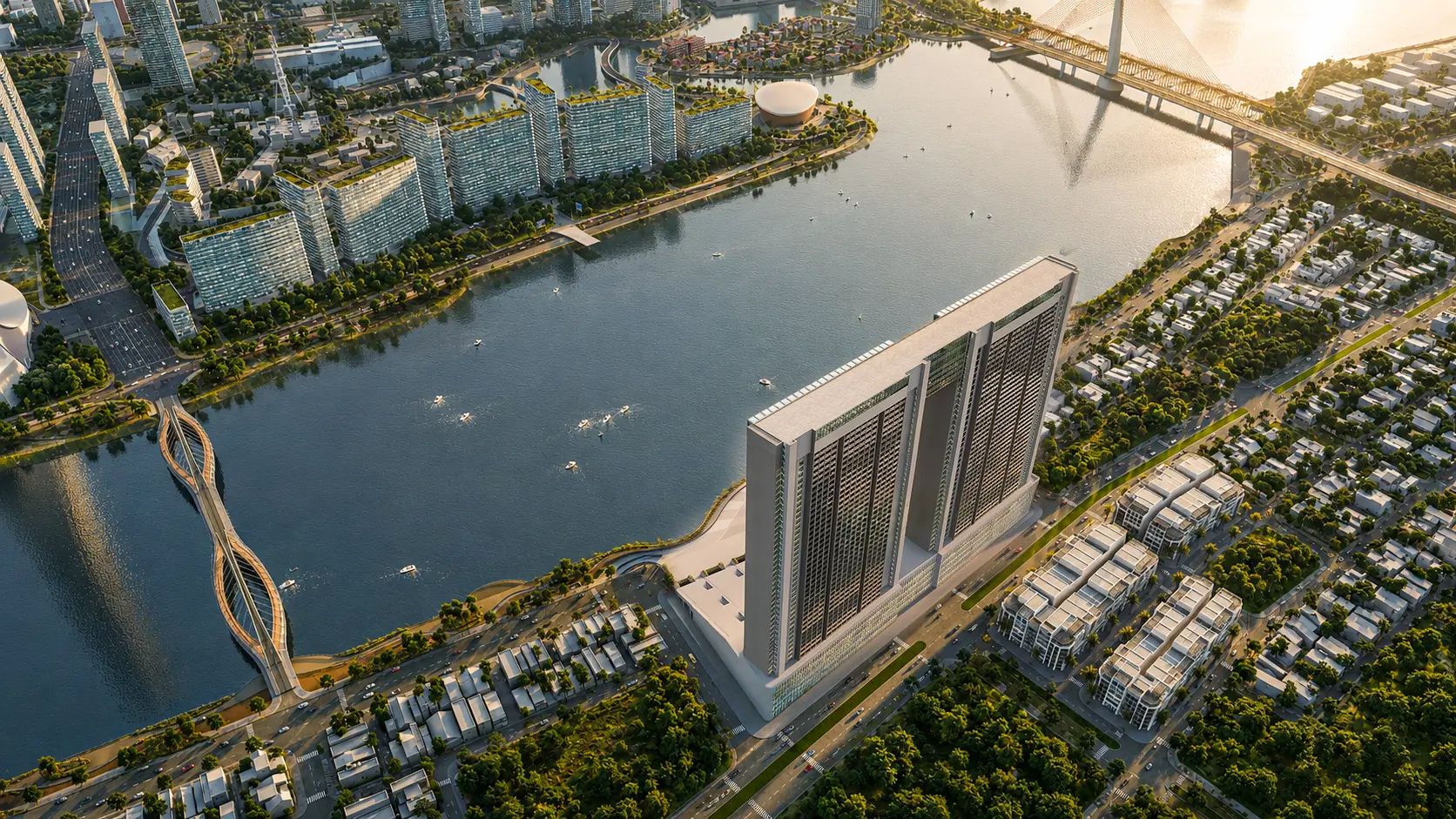
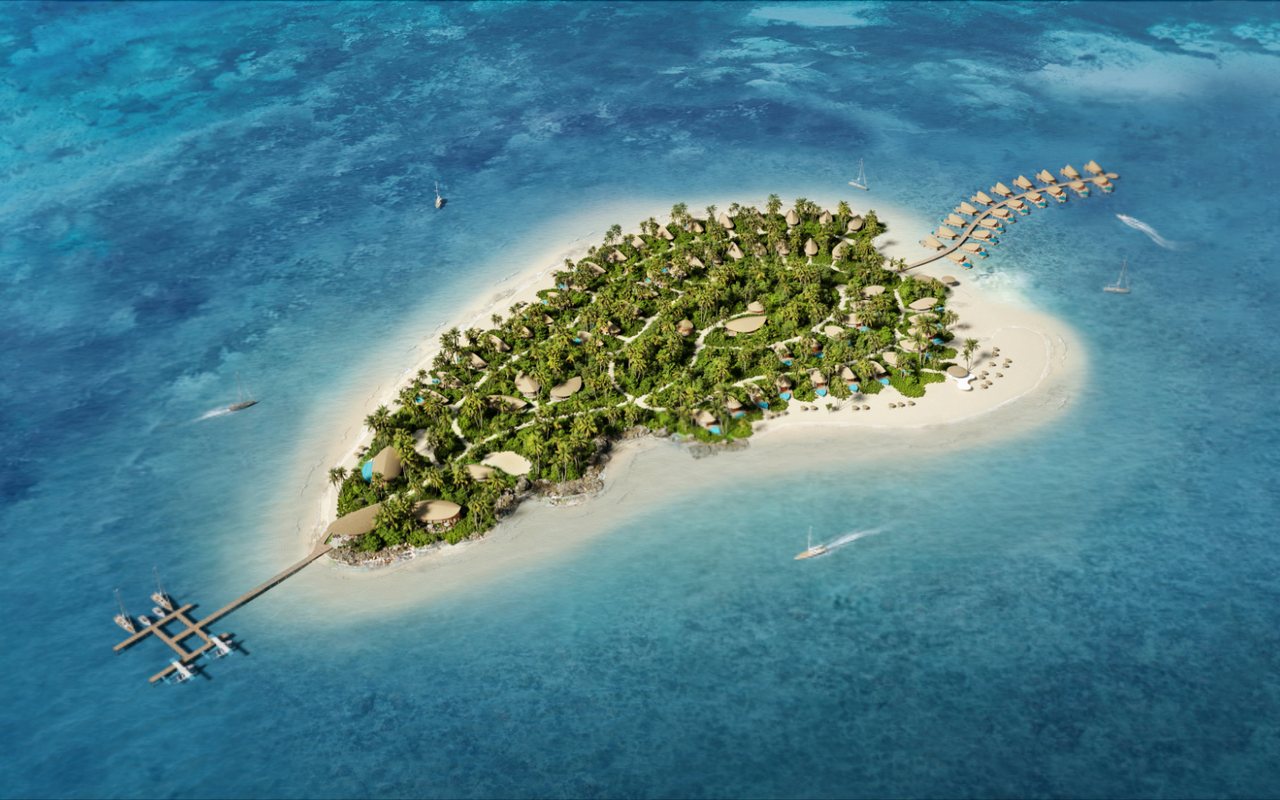
Sunneva Island
A large-scale island township, so the challenge wasn't a single house but wayfinding: viewers must understand where they are within the whole development and where they can go next, without reading a map. The large number of stops made the image volume and keeping lighting consistent across zones the heaviest part of the work.
- Many stops spread across a large area
- Navigation must explain itself
- Keeping lighting consistent across zones
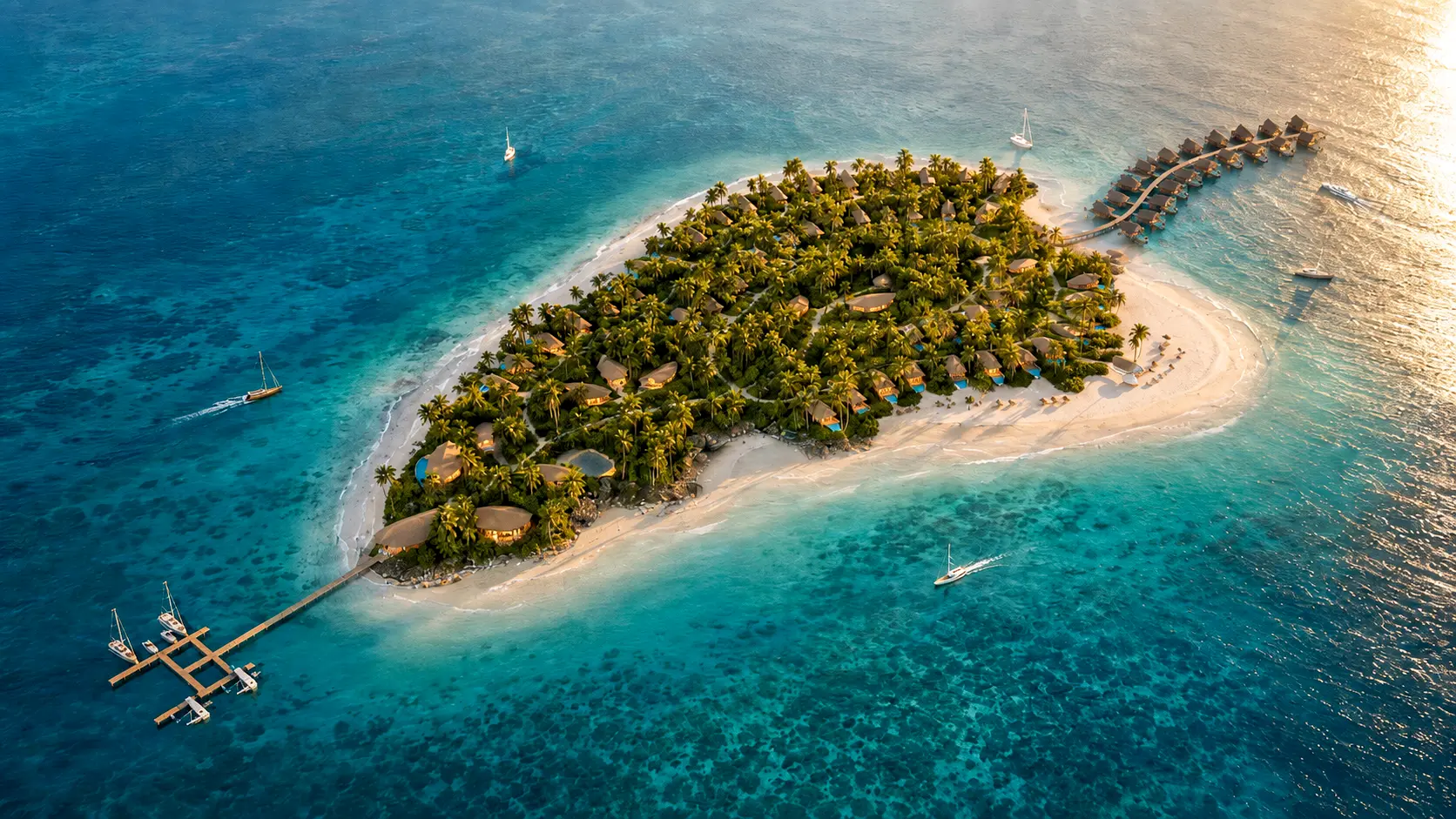
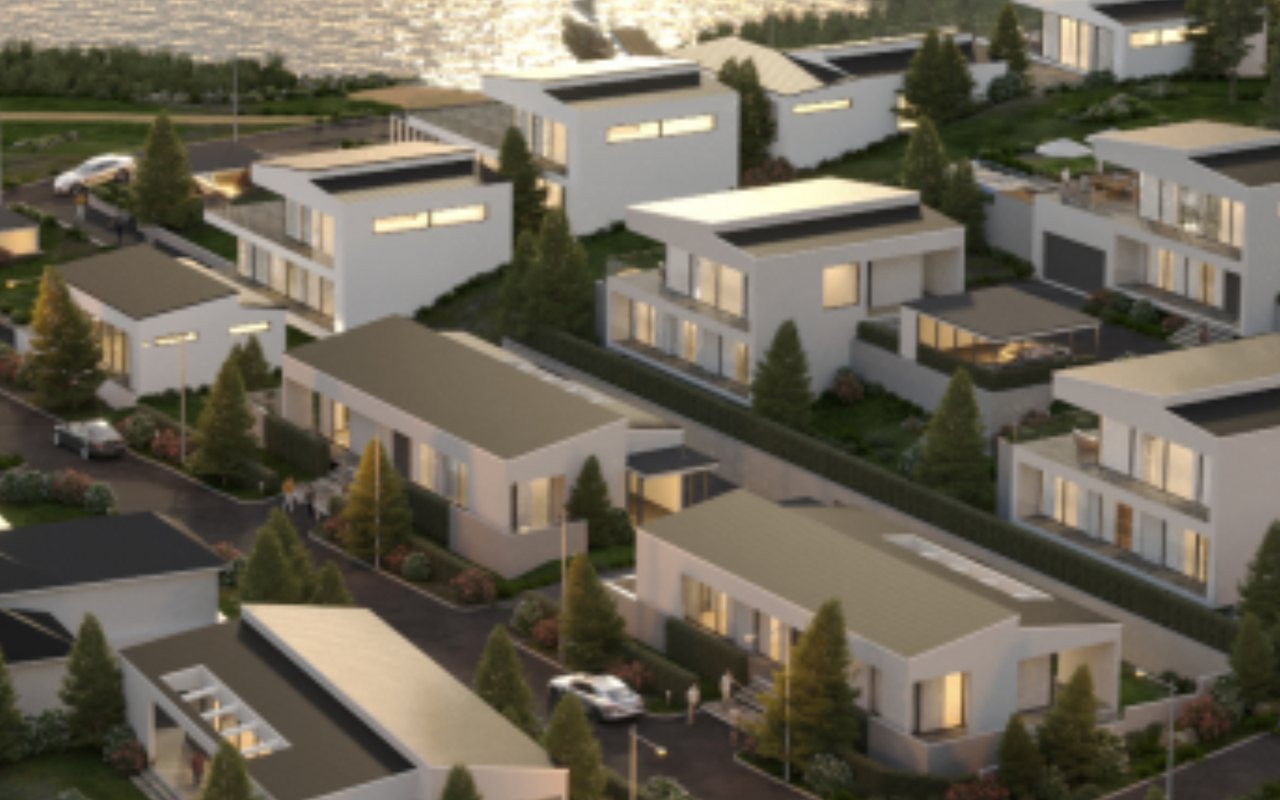
Paradise Island
A resort in Tanzania — the entire job ran remotely, with no one from Lotuz ever setting foot on site. Communication across time zones and approvals via a preview build over an international connection meant the two review points above were not a formality but the condition for the project to work at all.
- Working across borders and time zones
- Approvals done entirely via an online preview build
- Proof the process works remotely
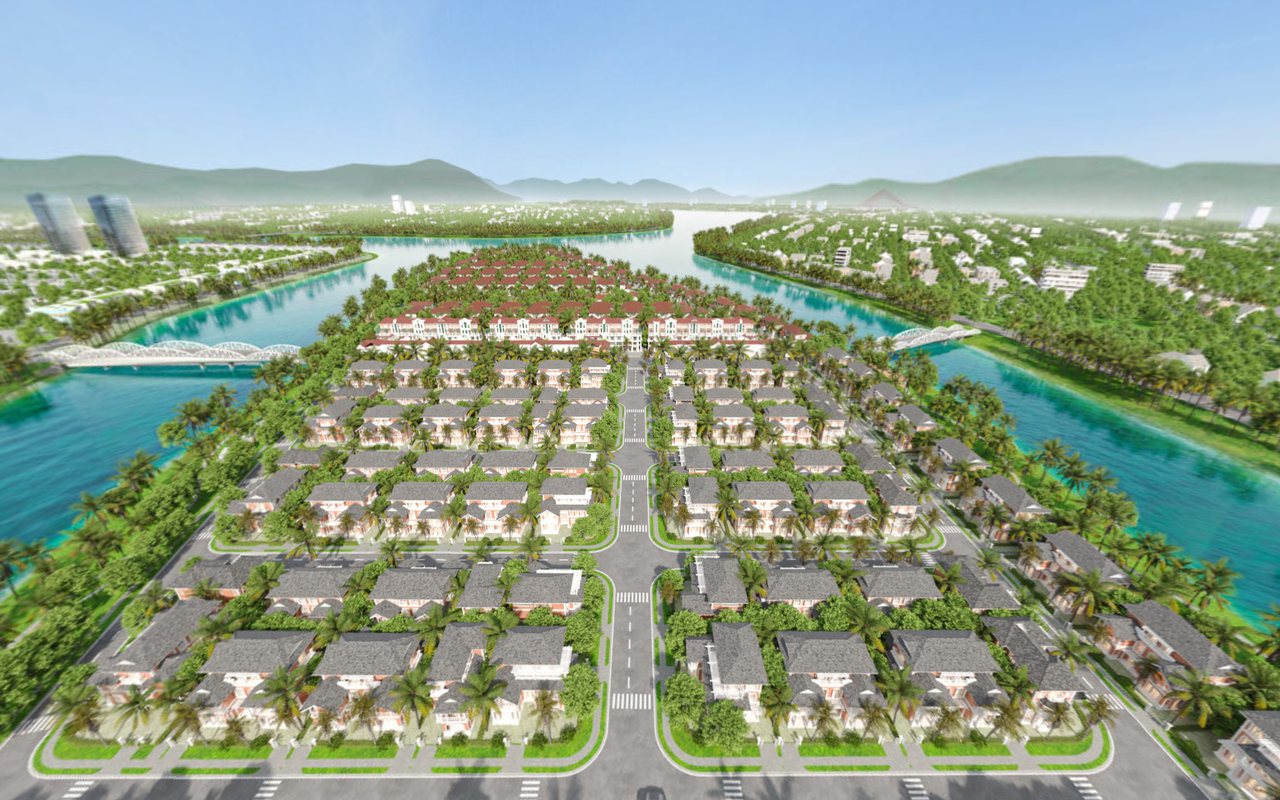
Four tours running on this platform
You can open your browser's developer tools on any tour to check it against what this page describes.
FAQ
Is embedding the tour in our project website complicated?
Do viewers need to install anything?
Will the tour open on a weak connection?
Which VR headsets are supported?
Where is the tour hosted, and who holds the files?
How much can we edit ourselves after handover?
How does the offline version work?
Can the tour measure room dimensions?
How many scenes does a typical tour have?
Capabilities and technology
Lotuz Studio does not rely only on off-the-shelf commercial software. We build our own in-house tools for our own workflow — the practical reason we can shorten timelines and keep pricing stable.
Lotuz.AI — our in-house AI toolkit for Photoshop
Controlled image generation, relighting and resolution upscaling, running directly inside Photoshop. It is a commercial product on public sale at lotuz.ai.
- What you get: a much shorter post-production stage, so we can take on rush requests too
A sync bridge between SketchUp and 3ds Max
An in-house tool that pushes changes from a SketchUp model to a 3ds Max scene while keeping the materials and lighting setup already in place.
- What you get: mid-project design changes do not force a scene rebuild from scratch, so the schedule does not slip
AI image processing that runs on our own workstations
Background removal, selection and edge refinement are processed locally in our office; files are never uploaded to third-party cloud services.
- What you get: unreleased project files never leave our systems
Our own 360 tour management system
We build and manage tours ourselves on krpano, including multi-resolution image tiling so tours open fast even on weak connections.
- What you get: tours you control yourself, with no dependence on a foreign platform subscription
A ten-person team doing the work directly
The person you talk to is the person who does the work. No call center, no coordination middlemen, no handoff to a third party.
- What you get: focused technical feedback from the very first conversation
Multi-format input files
We accept models from SketchUp, Revit, 3ds Max and Rhino, as well as CAD drawings. For projects without a model, 3D modeling is quoted as a separate item.
- What you get: no file conversion needed before sending your documents
Technical discussion before you approve the proposal
You or your technical team are welcome to contact us directly. The person who replies is the person who builds the tour, with no sales intermediary.
- Specific technical requirements to check against
- Planned hosting infrastructure for the tour
- Devices the tour will be shown on at the point of sale
- Systems to integrate with, if any