
Real estate VR360 with AI: 360 tours from renderings, ready before the show unit is built
We build 360 tours for developments from renderings, use Lotuz.AI to finish the lighting, furnishing and sharpness, then connect the tour to floor plans and the unit list. Tours run on our own infrastructure, so they embed straight into the project website with no platform subscription.
- The BTH Building tour below was built from 10 renderings, with no show unit
- Switch from day to night in one tap, keeping the same view
- Self-hosted on Lotuz infrastructure, no platform subscription
How a tour made with AI differs from a photographed tour
A photographed tour needs a finished building. A tour made with AI starts from the 3D model or drawings: we render each view, then use Lotuz.AI to adjust the light, furnish empty units and sharpen the image before assembling the tour.
Because they share one image source, the tour and the sales images match in every detail. Change a material or a unit layout in the source image and the tour follows, with no reshoot.
Once the building is finished, we gradually replace the rendered scenes with real 360 photographs. The developer's buyers keep using the same link.
Six things AI does for a project tour
Every one of them already runs in a live tour, not a feature on paper.
A tour before the show unit exists
From a SketchUp or Revit model, we render the viewpoints and build the tour. A project launching before the foundations are finished still gives buyers a way inside the units.
Day to night, season to season
AI relights the same frame, so the tour has a day and a night version without rendering again. Buyers flip one switch to compare.
Furnishing empty units
Bare-shell units are furnished with AI to the true dimensions and the style the developer chooses, with several options so buyers can picture the space.
Bilingual AI narration
Each area is introduced by an AI voice in Vietnamese or English; edit the script and a new version is ready the same day.
Connecting floor plans and the unit list
From the tour, buyers jump to the floor plan, see which units are available or sold and send a hold request. The unit list updates from the developer's system.
Self-hosted, in the project's branding
The tour sits on our servers under the project's domain, colours and logo. No monthly subscription: cancel the service and the tour still works.
Four steps from drawings to a link you can send buyers
The developer approves each step once. Viewpoints are locked at the rendering step, because changing a view later means redoing the scene.
Model and viewpoints
We receive the 3D model or drawings and agree the list of viewpoints: lobby, show units, amenities, views to the outside.
Render and finish with AI
Each viewpoint is rendered, then Lotuz.AI adjusts the light, stages furniture, creates the night version and sharpens the image. This is the most important approval step.
Build the tour
Scenes are assembled on krpano or CRM360, with hotspots, floor plans, the day/night switch, narration and the project's branding.
Connect the unit list and hand over
Connect the tour to the interactive floor plan and unit list where they exist, publish to the server, hand over the link, embed code and update guide.
When to build from renderings, when to photograph
Both run on the same tour system, so a project can start with renderings and swap in photographs later.
Build from renderings and AI
- The project is unbuilt or under construction and needs an early launch
- Buyers should see several furnishing options for the same unit
- Day and night versions, or seasonal scenes, are needed
- Sales images and the tour must match in every detail
On-site 360 photography
- The building is finished and must be shown as it is
- Hotels and resorts in operation, selling rooms by season
- Legal or handover documents need real photographs
- The show unit is finished and should replace the rendered scenes in an existing tour
Five live tours, open to explore
Use them exactly as a buyer would: drag, tap the floor hotspots, switch day and night.
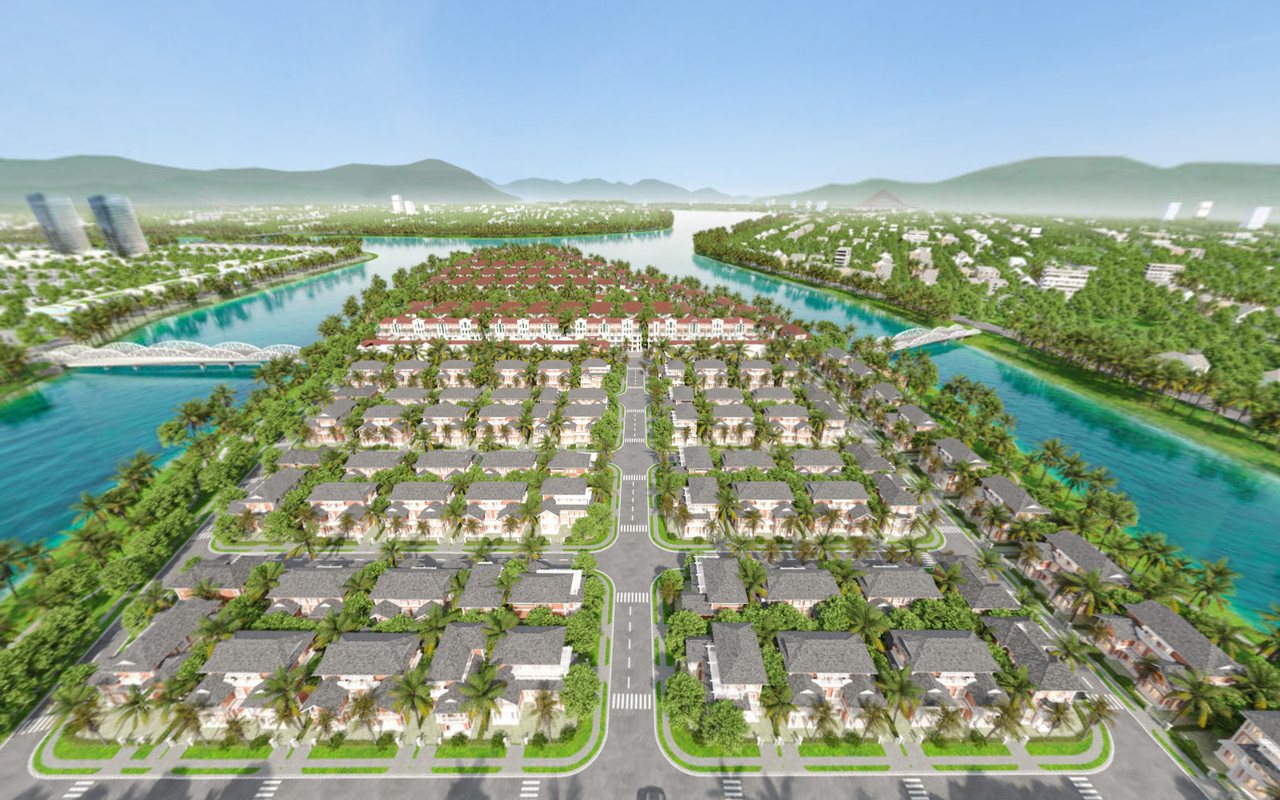
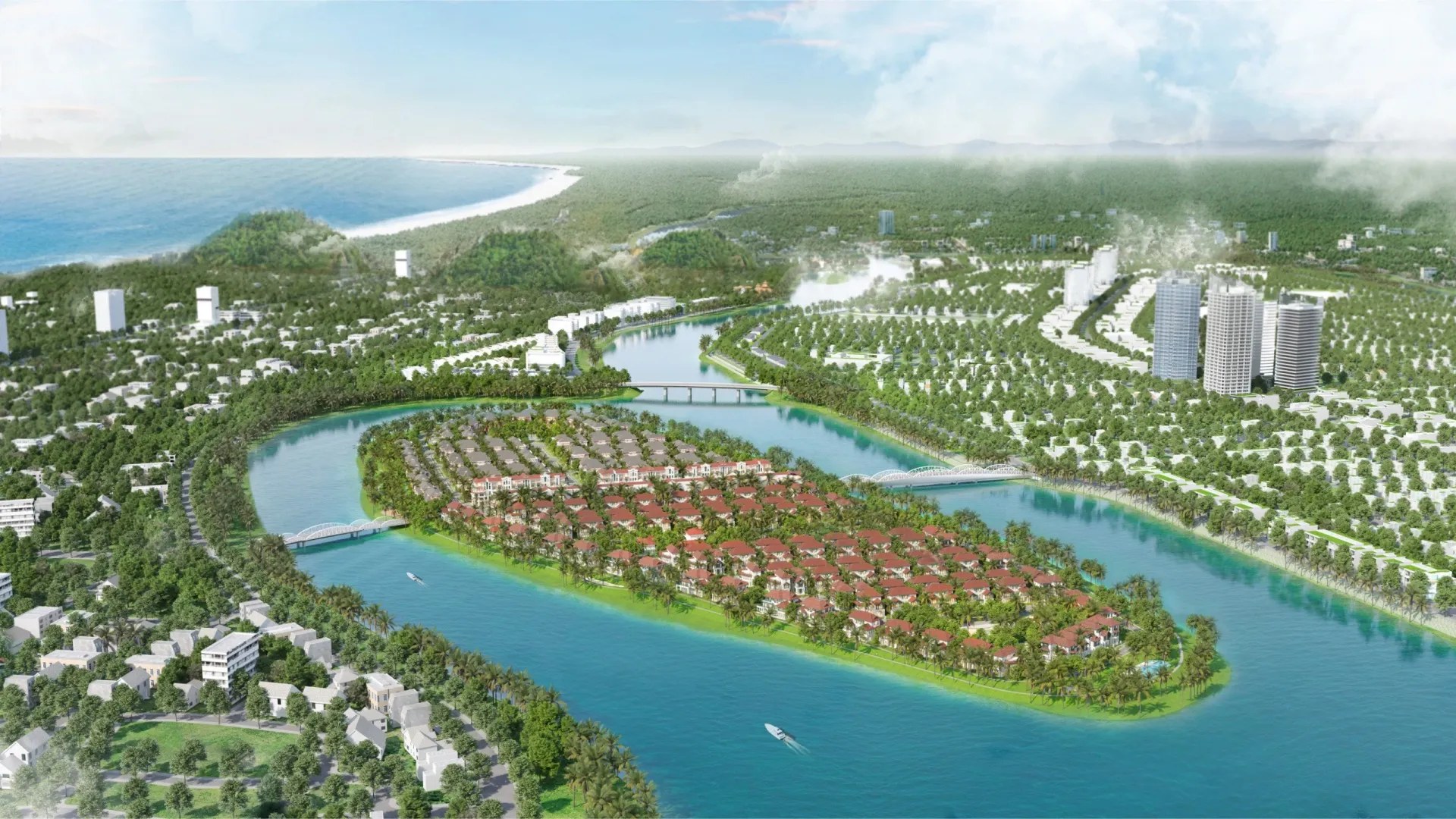
Sunneva Island
Island urban development — Sun Group, Da Nang
Open tour →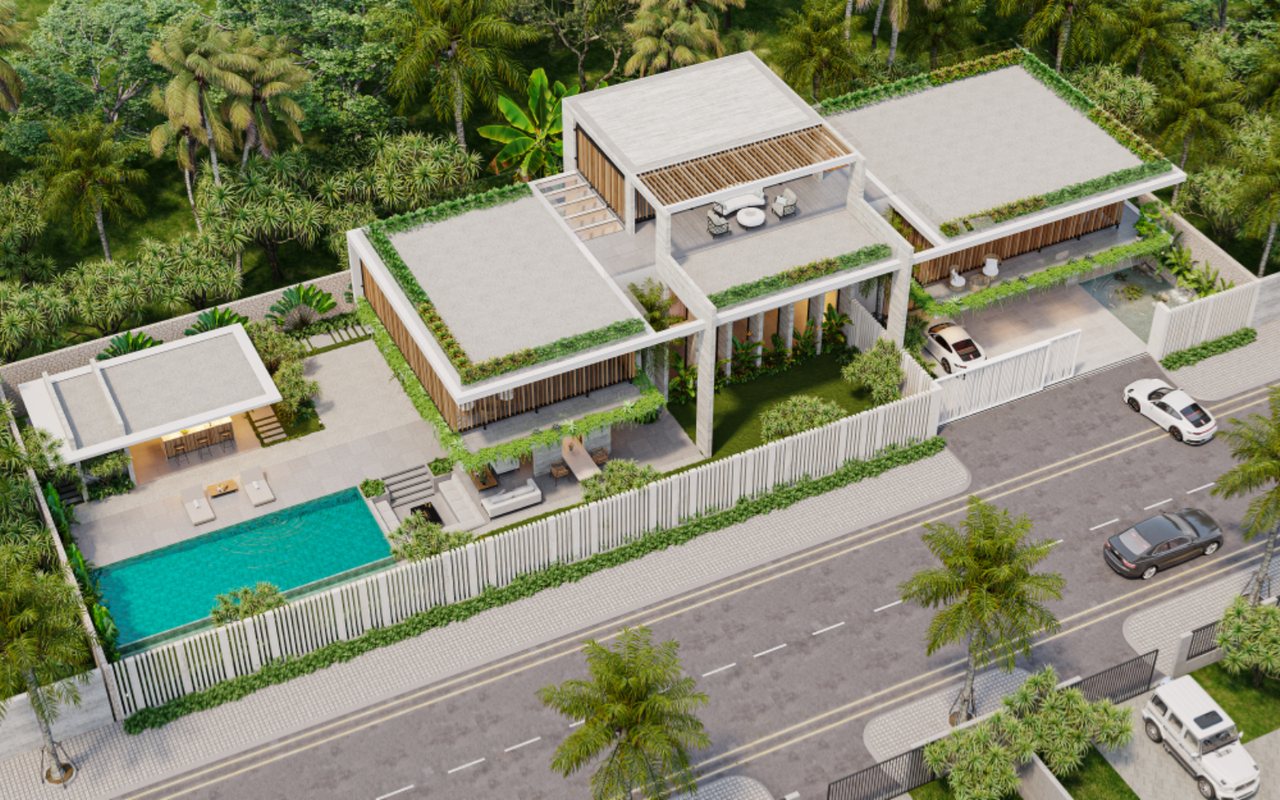
Casa Del Jardin
Day/night modes, floor plans, hotspots into the interiors
Open tour →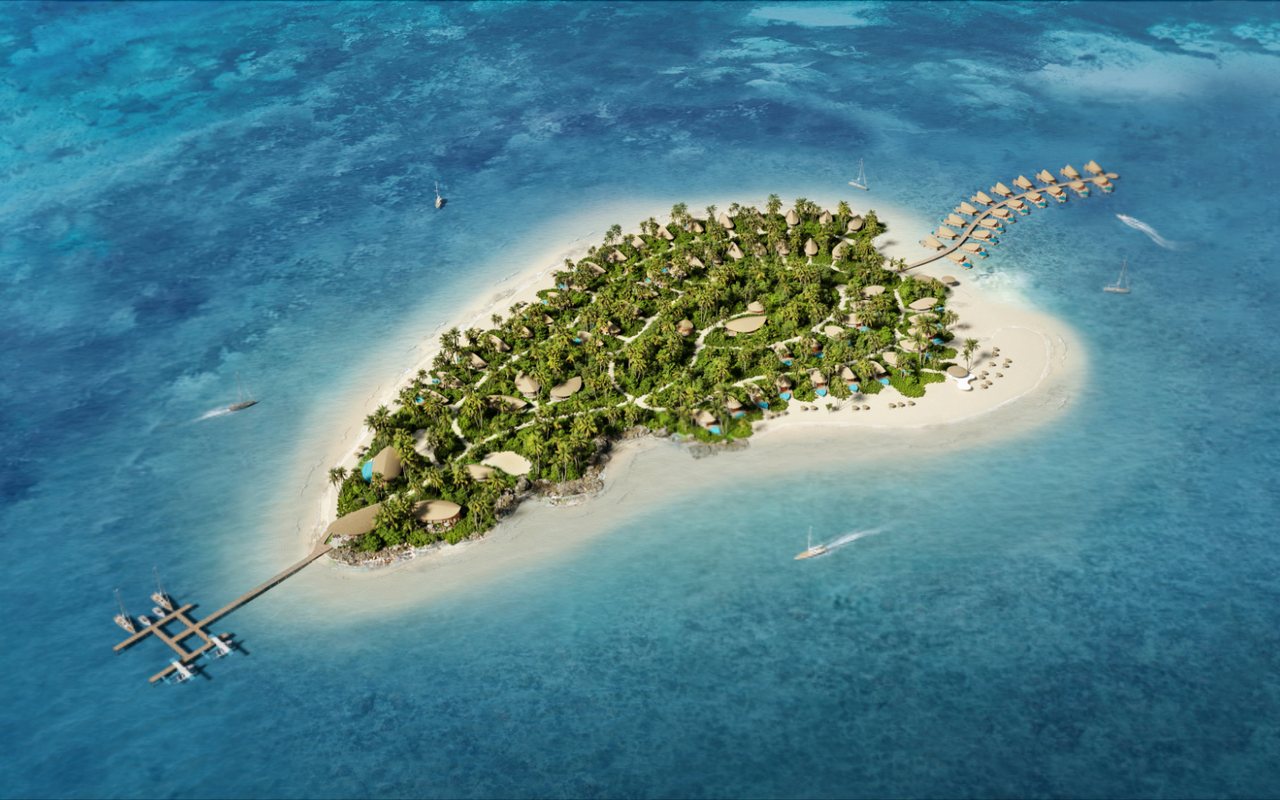
Paradise Island
Resort — Tanzania
Open tour →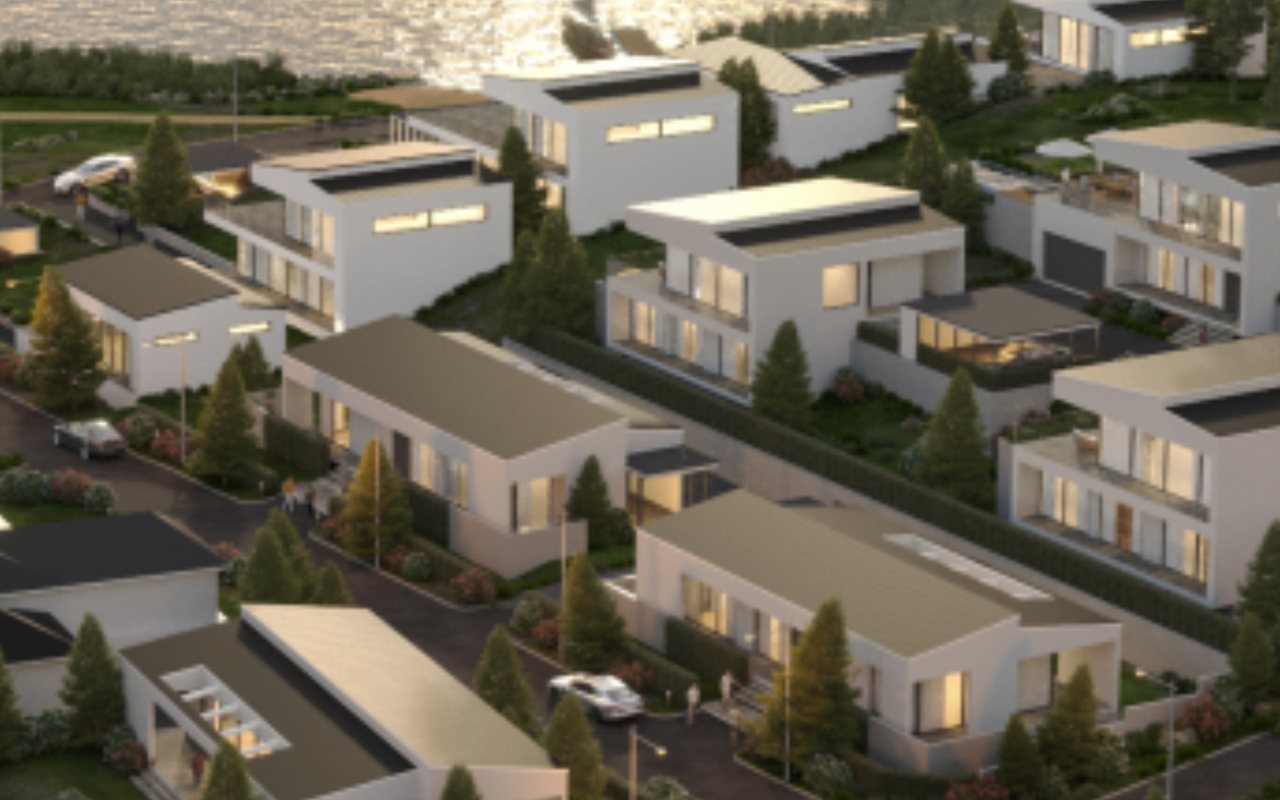
EHR Villa
Waterfront villa
Open tour →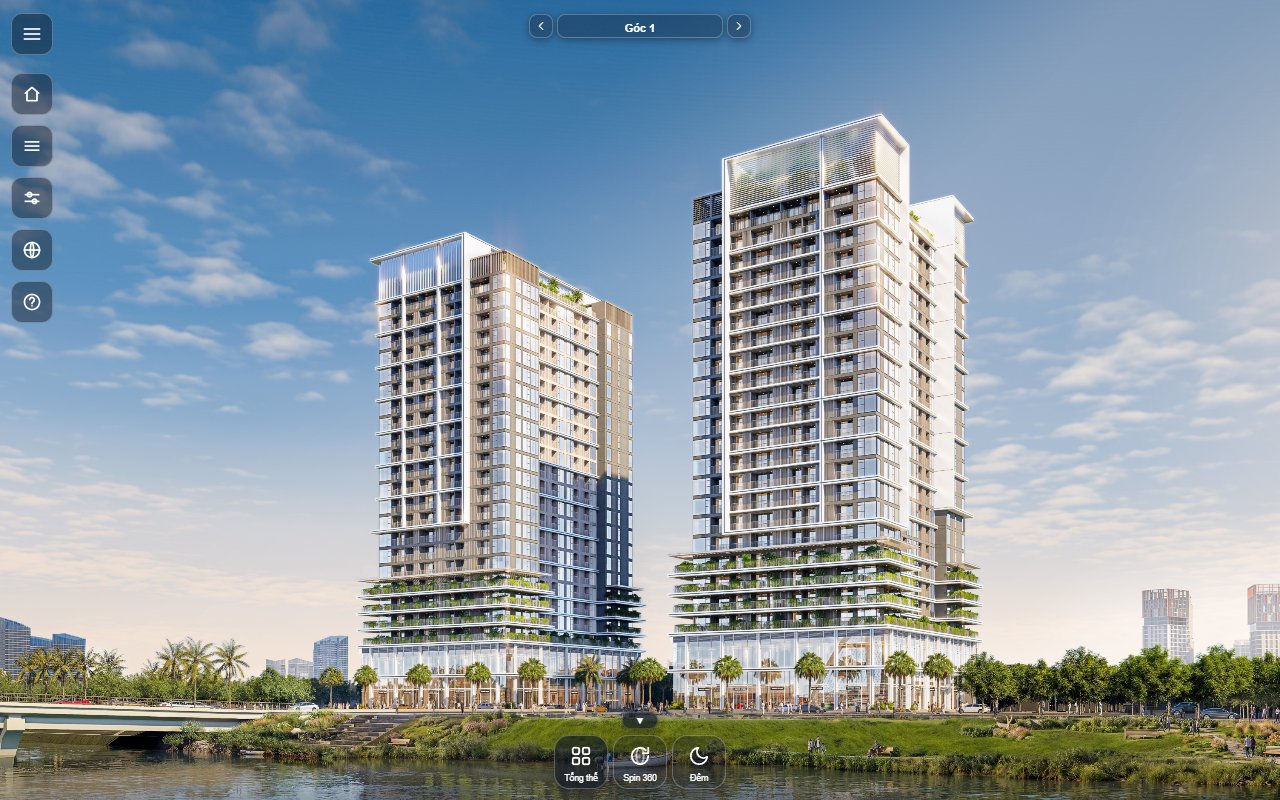
BTH Building
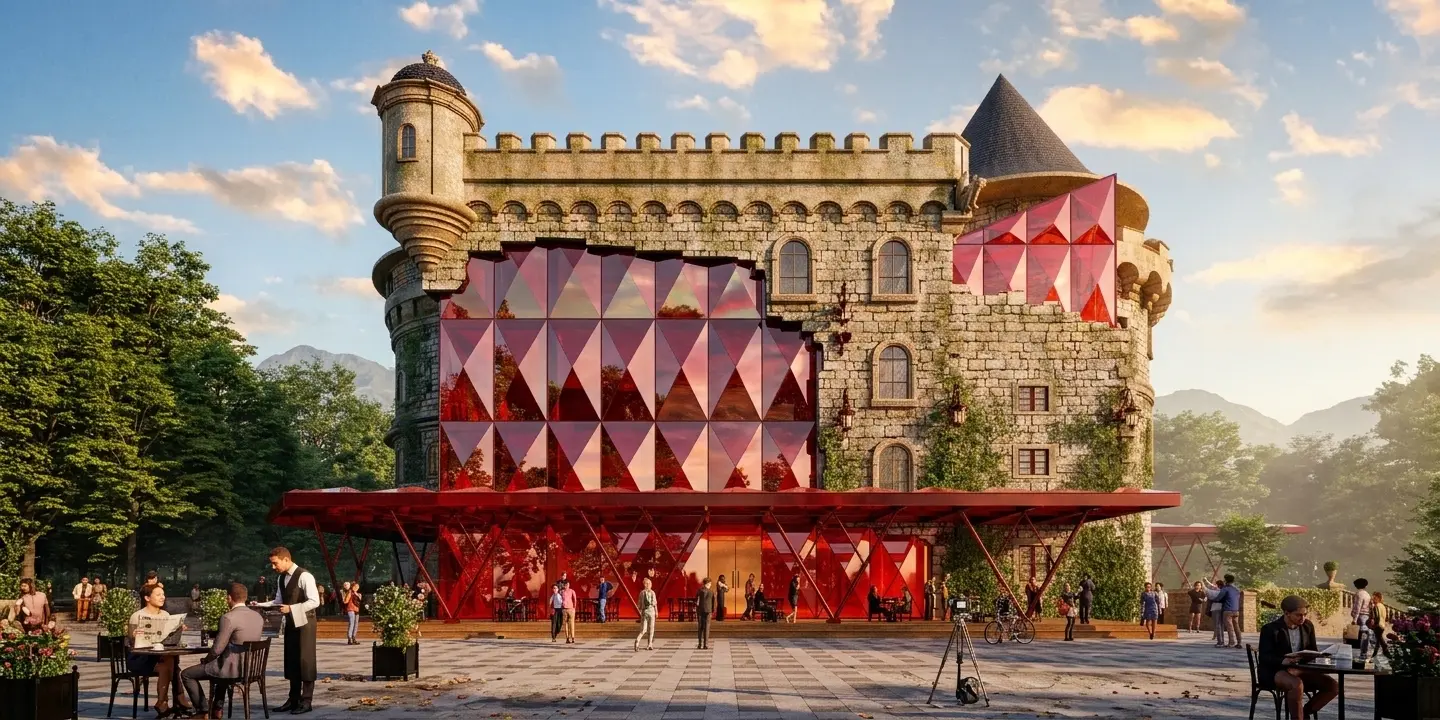
Built from 10 renderings, with a 3D spin around the tower and a day/night mode
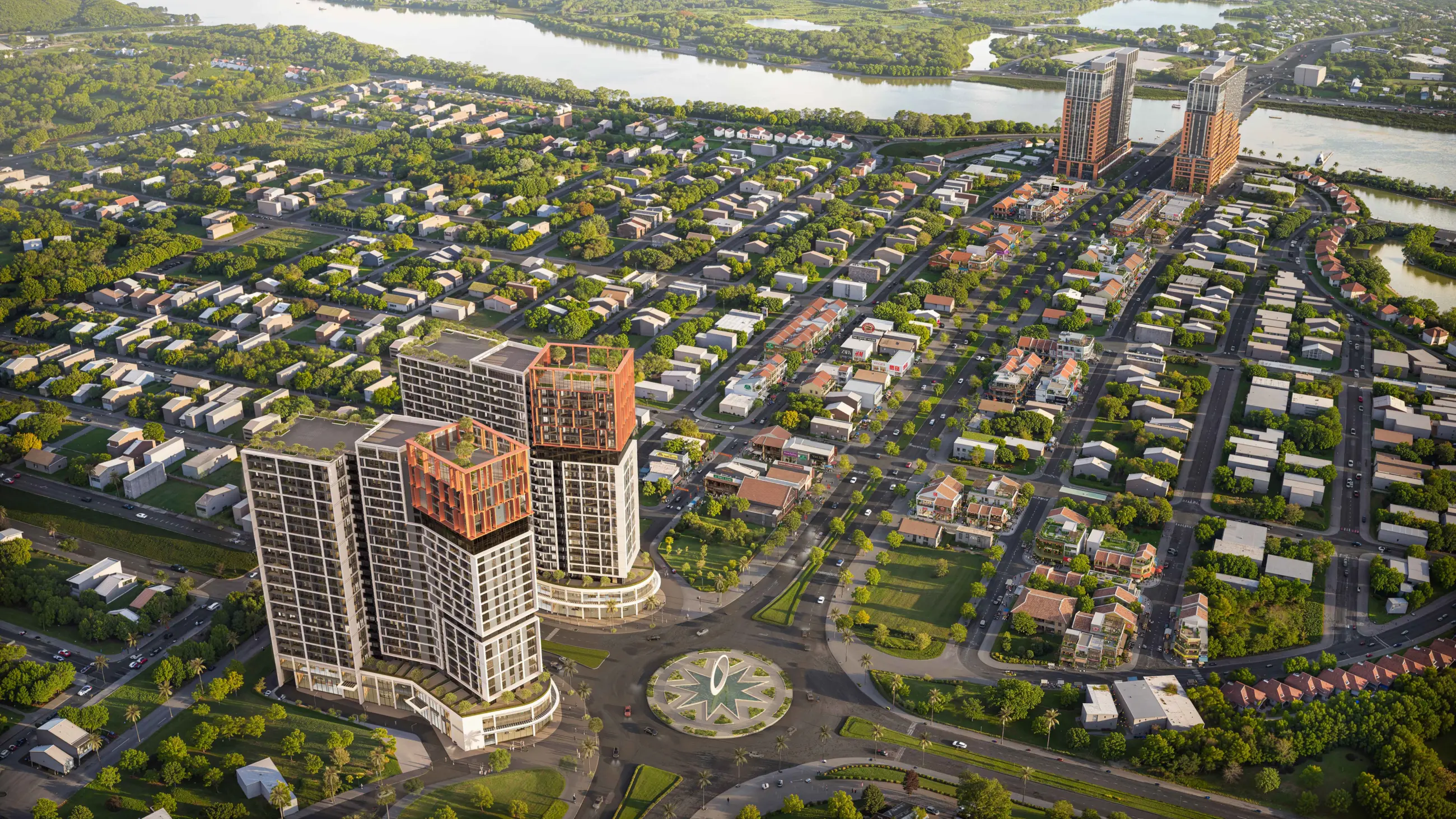
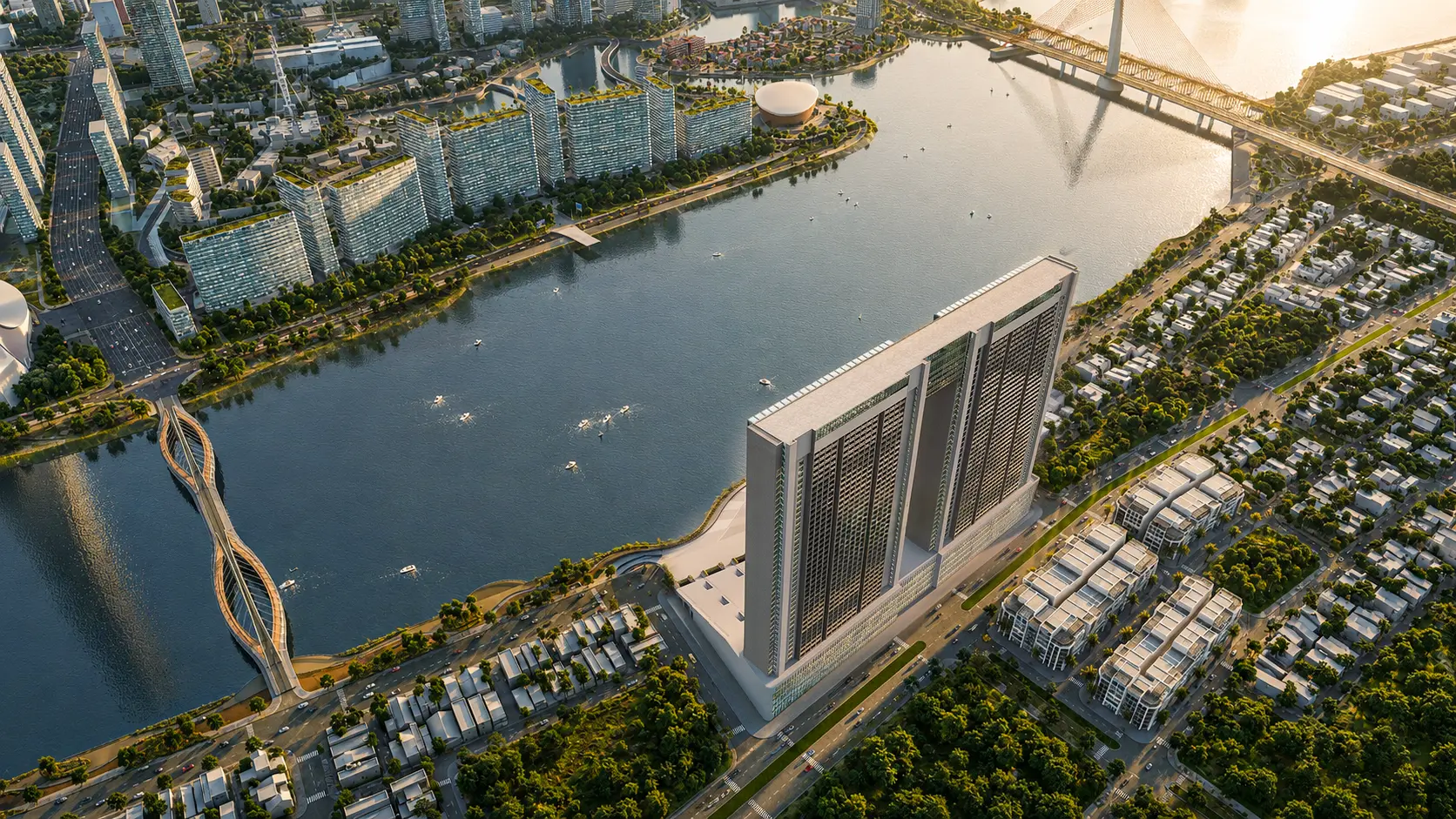
Open tour →Real estate projects we have produced images and tours for
Sun Group and developers in Da Nang, Quang Nam and abroad.
Three things we build ourselves so tours cost less and last longer
No third-party platform for the core, so we control price, speed and the project's data.
Lotuz.AI
AI tools that run inside Photoshop: generate images from raw scenes, adjust lighting, edit selected areas, sharpen. Used on every frame of the tour. On sale at lotuz.ai.
- Day version, night version and furnishing options from a single rendering
CRM360, our self-hosted tour management system
We built and run our own tour management system on our servers: upload images, place hotspots, share links with a preview image, track views.
- The BTH Building tour at the top of this page runs on it
SketchUp to 3ds Max sync
Edit the SketchUp model and the 3ds Max scene updates with it, keeping materials and lighting. Changing the design midway does not mean rebuilding the rendering scene.
- Tour and sales images always share the same design version
Priced per viewpoint plus the AI extras
Building from renderings is usually cheaper than on-site photography: no travel, no waiting for construction to finish.
- Contract, VAT invoice, and payment by acceptance milestone.
- Without a 3D model, we build one from the drawings, quoted as a separate item.
FAQ
Is a tour built from renderings true to the design?
Can AI replace real 360 photography?
How long does a tour take?
Where does the tour run, and do buyers need to install an app?
How is the tour embedded in the project website?
How are sold units updated in the tour?
Send your floor plans, get a tour scope and quote
Message us on Zalo or call directly. We will send a sample tour for the same type of project so you can compare before deciding.
- Project type and the number of show units and amenities to include
- Whether there is a 3D model, drawings or renderings
- Whether a night version, narration or a unit-list connection is needed
- Launch date or the milestone the tour is needed for