3D Configurator

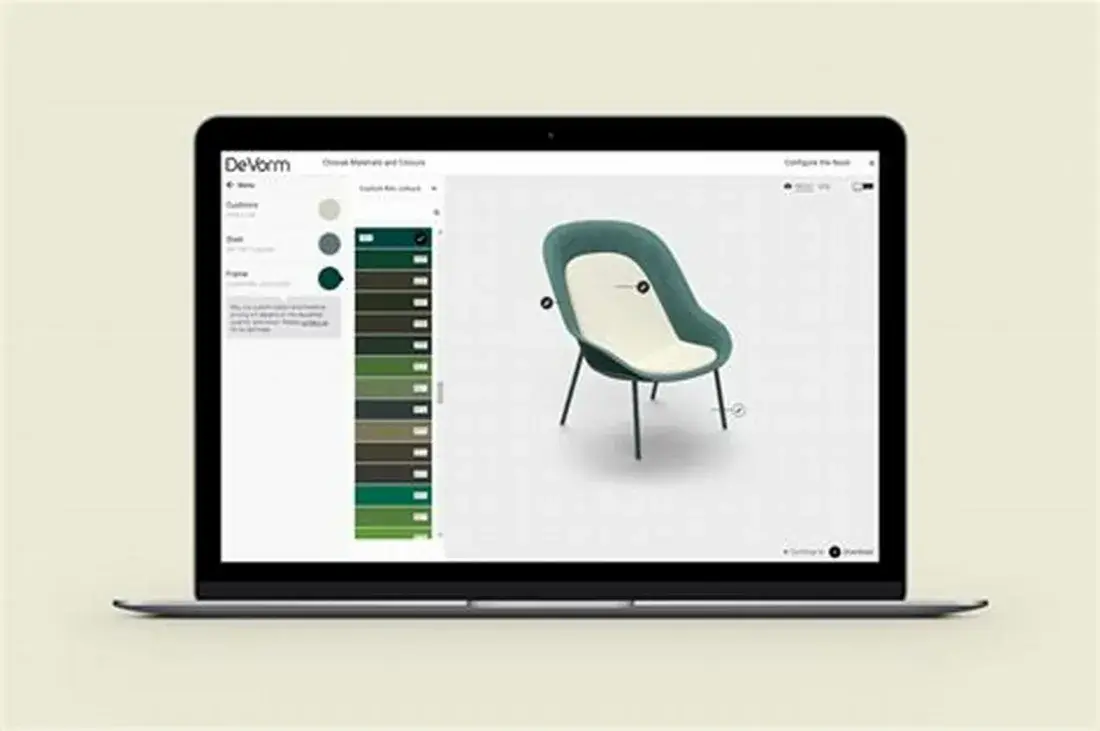
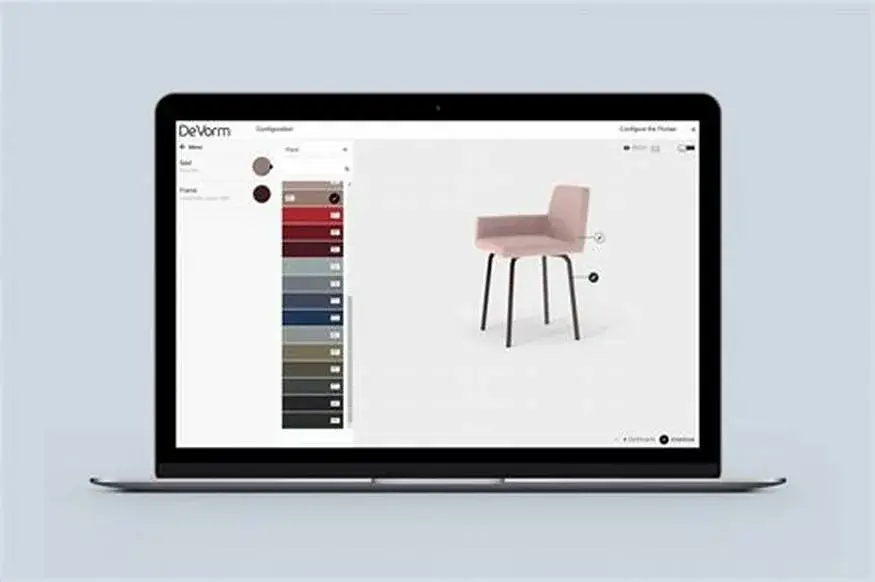
3D Configurator is our custom-built web and mobile application for virtually customizing any type of product in 3D. The 3D configurator can be used as:

▪ Your 3D model/product catalog (furniture, lighting, sanitaryware, cars)
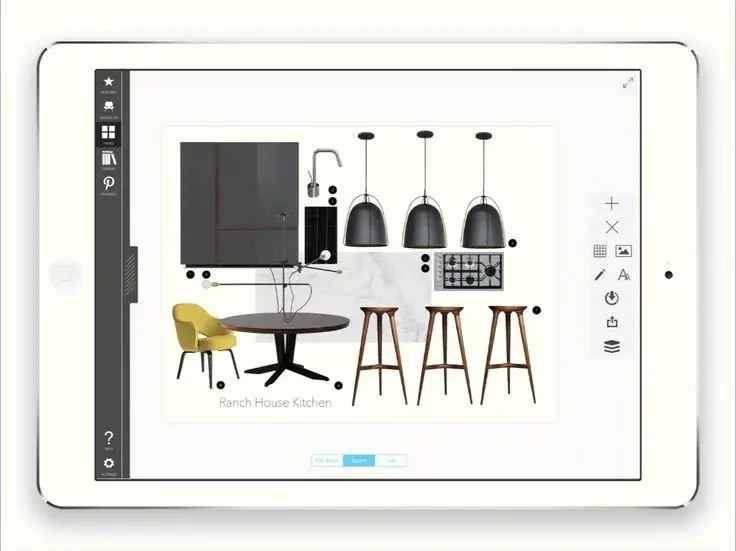
▪ An item library for iOS, Android or Mac that lets you present and use 3D models
3D Configurator - 753848419eb36b8ff2546525f97b35cd 3 3 736x551 1 | Lotuz Studio

Options:

1. 3D customization of any type of product
2. Move and replace objects in the space, and change materials
3. Design spaces with Augmented Reality technology
4. View and select every product variant and its options in detail
5. Capture real images: take a photo, place the 3D model and see how it fits the real space
3D Configurator - OIP 2 3 3 1100x731 1 | Lotuz Studio

Benefits for manufacturers:

Pre-production (prototype) development. Build 3D models of new or existing product collections from drawings, sketches or photos, so products can be viewed in 3D from every angle as if they were real objects. Without going through actual production, you can easily develop every possible product variant to present your full range.

Prototype presentation. Get photorealistic images of the developed product in an interior setting or as a cutout for catalogs and websites. Promote the product even before the sample goes into production.

Prototype material and texture configuration. Change textures and materials instantly with the 3D Configurator. Create the perfect item right in front of your client, and avoid delaying product presentations for lack of a physical product.

Export 3D models as .png to show how the item looks in a real interior.

Save exported 3D models for further design development.
3D Configurator - OIP 1 3 3 875x582 1 | Lotuz Studio

Benefits for designers:

Develop the 3D models needed for interior/exterior design; these models can also be reused in future design solutions.

Use the developed 3D models in catalogs or on websites to showcase the range of products available for sale or for use in design.

Save time and budget by swapping materials and textures instantly to match other interior/exterior changes. Share 3D models with clients to discuss and change objects in the design right at the design studio. Add 3D models to real interior photos from your showroom to present to clients.