
An online exhibition space open all year round
A trade fair lasts a few days, but a booth captured in 360 can welcome visitors all year round. Lotuz produces online showrooms, display booths and exhibition spaces so organizers can keep getting value from their investment after the event ends.
- Runs in the browser, shared with a single link
- Independent of event schedules
- Integrates with your existing website and marketing materials
Real-world quality, shown through live tours
The tours below are real estate and hospitality projects, but they show exactly the image quality, loading speed and navigation you'll get for an exhibition space.
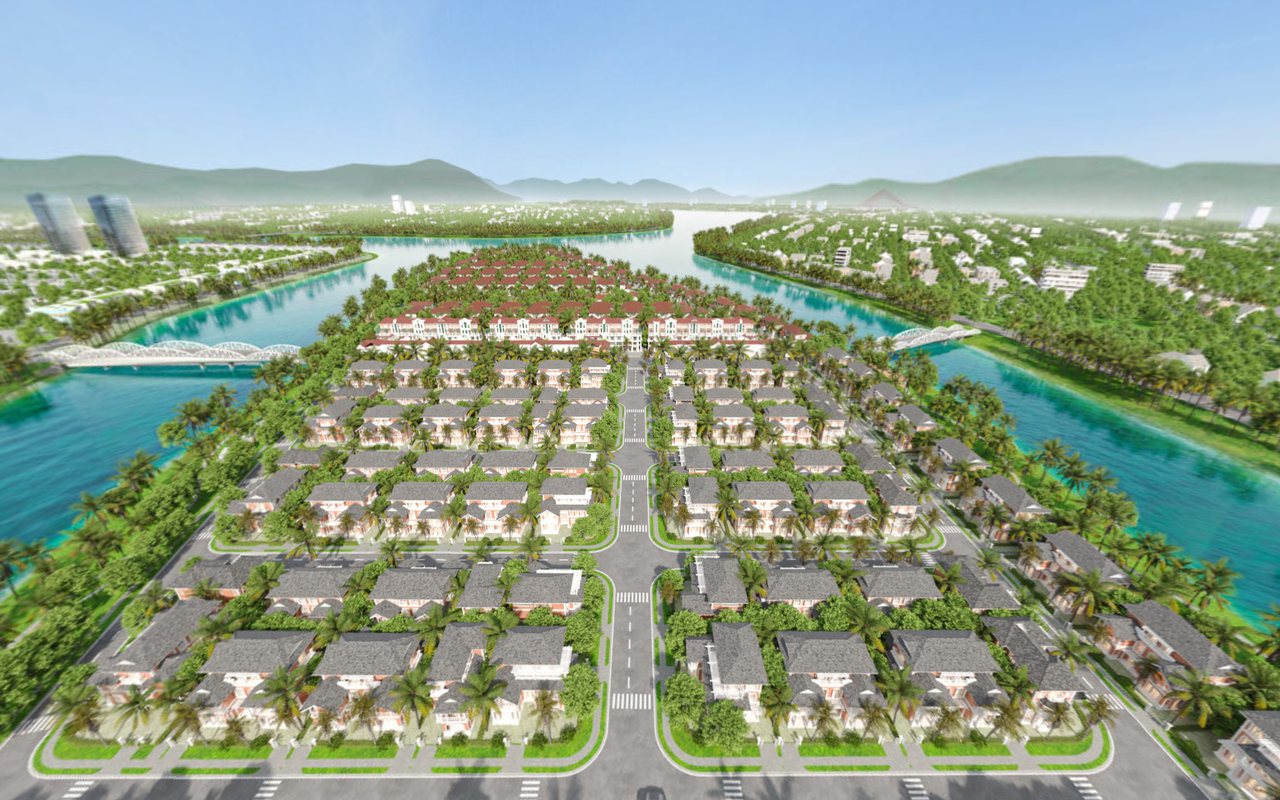
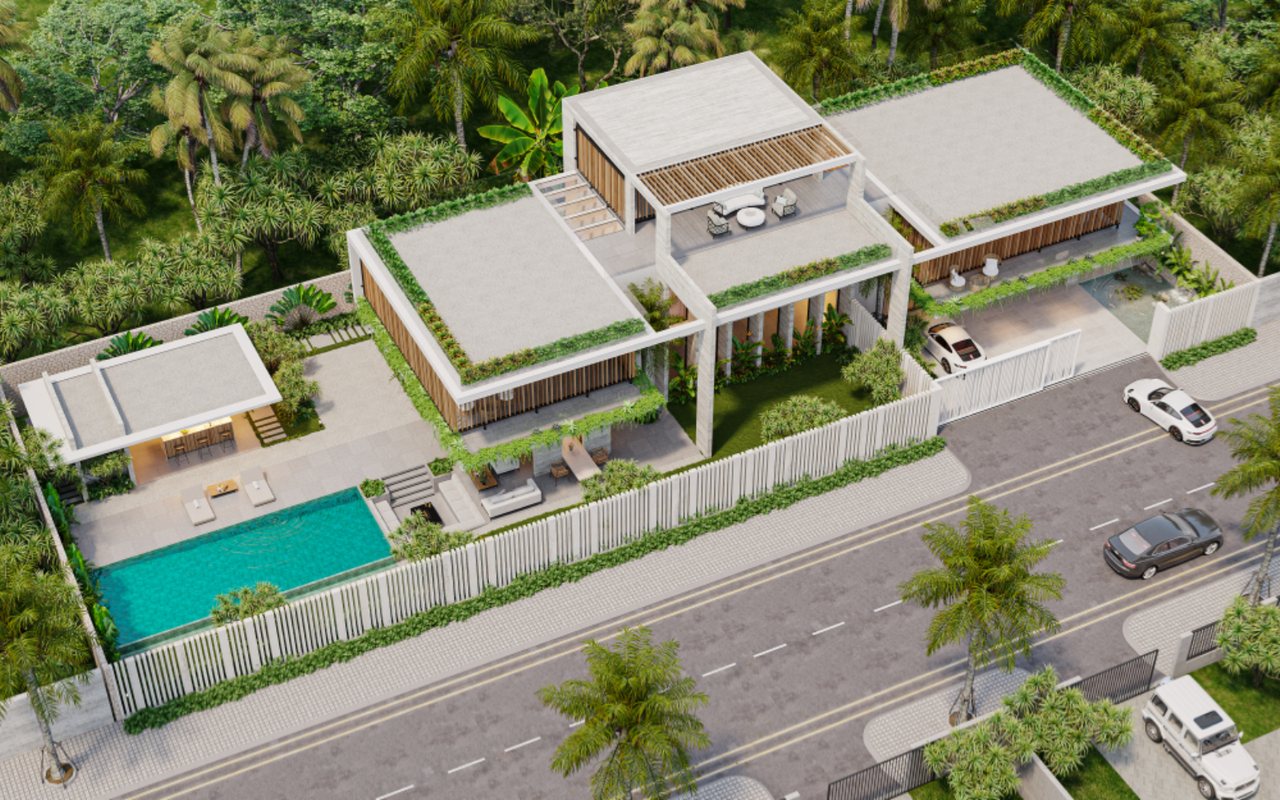
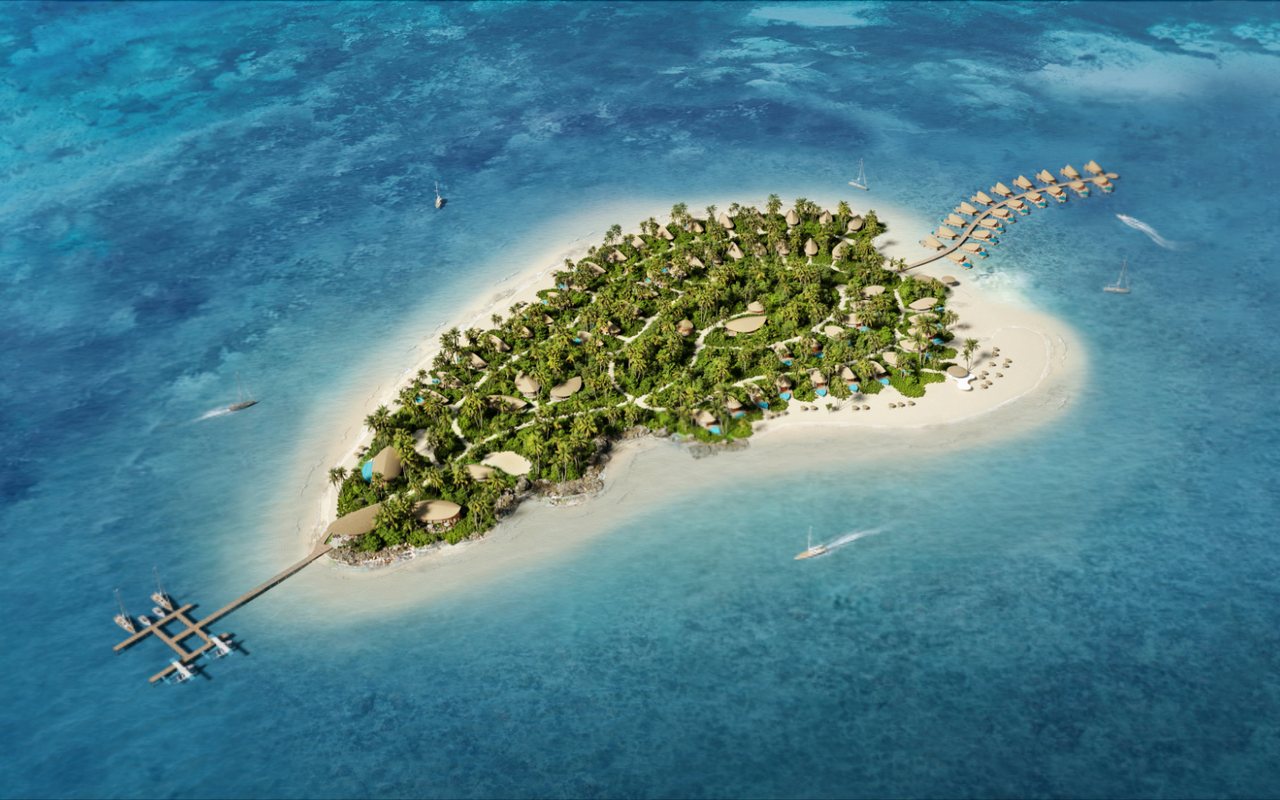
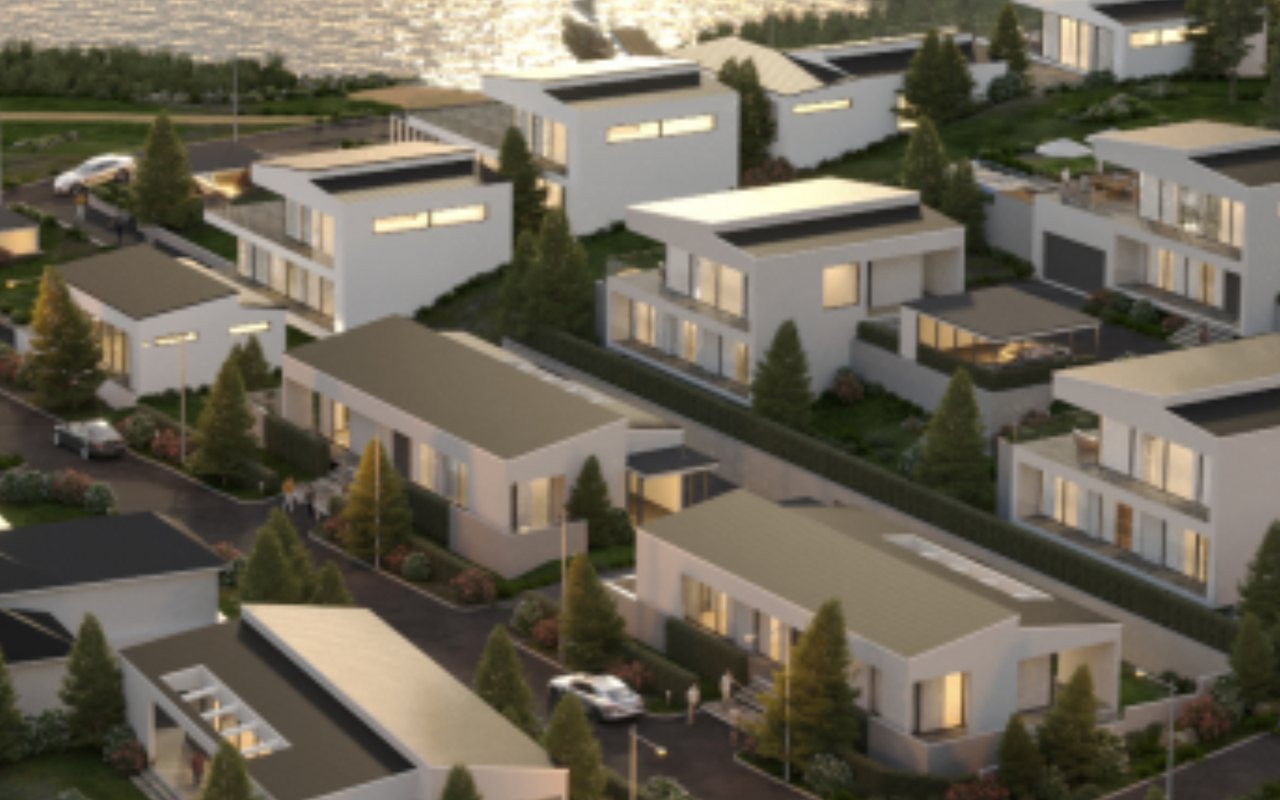
Delivery formats
Digitizing a built booth
Panoramas are shot at the physical booth during the event, then built into an online space that keeps running after the fair is over.
Permanent showrooms
Digitizing a company's permanent showroom or gallery, serving remote customers and visitors who want to look before coming in person.
Fully 3D-built exhibitions
An exhibition space that doesn't exist in real life, built to a bespoke design concept. Ideal when you want a space beyond the limits of a physical floor plan.
Product info points
Info points are attached to each exhibit or product, opening descriptions, technical specs, downloadable documents or links to the sales page.
Cultural spaces and museums
Galleries, heritage sites and cultural spaces that need to be preserved and presented widely to remote audiences.
Integrates with your existing website
Delivered with embed code so your technical team can place the online space on exactly the right page.
Inputs and deliverables
You provide
- Floor plan of the booth or exhibition space
- List of exhibits and products that need info points
- Content and attached documents for each info point
- Brand identity
- Booth build schedule and permitted shooting times, if shot on site
Lotuz delivers
- Online spaces that work on any device
- Shareable link and website embed code
- Info points populated with content from your list
- An offline version for on-site display when needed
Capabilities and technology
Lotuz Studio does not rely only on off-the-shelf commercial software. We build our own in-house tools for our own workflow — the practical reason we can shorten timelines and keep pricing stable.
Lotuz.AI — our in-house AI toolkit for Photoshop
Controlled image generation, relighting and resolution upscaling, running directly inside Photoshop. It is a commercial product on public sale at lotuz.ai.
- What you get: a much shorter post-production stage, so we can take on rush requests too
A sync bridge between SketchUp and 3ds Max
An in-house tool that pushes changes from a SketchUp model to a 3ds Max scene while keeping the materials and lighting setup already in place.
- What you get: mid-project design changes do not force a scene rebuild from scratch, so the schedule does not slip
AI image processing that runs on our own workstations
Background removal, selection and edge refinement are processed locally in our office; files are never uploaded to third-party cloud services.
- What you get: unreleased project files never leave our systems
Our own 360 tour management system
We build and manage tours ourselves on krpano, including multi-resolution image tiling so tours open fast even on weak connections.
- What you get: tours you control yourself, with no dependence on a foreign platform subscription
A ten-person team doing the work directly
The person you talk to is the person who does the work. No call center, no coordination middlemen, no handoff to a third party.
- What you get: focused technical feedback from the very first conversation
Multi-format input files
We accept models from SketchUp, Revit, 3ds Max and Rhino, as well as CAD drawings. For projects without a model, 3D modeling is quoted as a separate item.
- What you get: no file conversion needed before sending your documents
Scope and budget
Cost depends on the number of capture points and info points required. Describe your space to receive a specific quote.
- Contract and VAT invoice provided.
- For trade fair booths, we need the booth build schedule to plan a suitable shooting time.
FAQ
Our booth is only up for the three days of the fair — is there time to shoot it?
Can we attach purchase links to individual products in the space?
How do we swap out displayed products later?
Do visitors need to install an app or use a VR headset?
Let's talk about your exhibition space
Contact us via Zalo or call the specialist in charge directly.
- Type of space: trade fair booth, permanent showroom or 3D-built exhibition
- Floor area and number of areas to be shown
- Number of exhibits that need info points
- When it needs to go live