
Real Estate Project Visualization in Vietnam: Every Image a Sales Launch Needs
We visualize real estate projects in Vietnam, producing the full set of overall, zone, amenity and show unit images for brochures, site billboards, sales websites and agency materials. Developers, architects and sales teams share one image set, scheduled backwards from the launch date.
- Delivered as a full campaign set, not sold view by view
- Delivered in batches, so the marketing team doesn't wait for the full set
- Developer approves the gray draft before materials and lighting begin
What Is Real Estate Project Visualization?
Real estate project visualization, also called project rendering, is a set of photorealistic images built from a 3D model or planning drawings, made to sell a project before it is finished. The set covers the overall view, zones, amenities and show units, in one style and one lighting scheme.
We build in 3ds Max and Corona Renderer and accept models from SketchUp, Revit or Rhino. All views share one model, so the whole set stays consistent. The developer approves the composition at the grey draft stage before we move on to materials and lighting.
The same model carries on into the real estate project film, in 3D or AI video. Developers use the image set to launch the project. Marketing teams put it in brochures, billboards and websites; sales teams and agencies use it in sales materials. Architects use the same set for approval dossiers.
Real Estate Project Visualization Deliverables
The exact list is set according to project size and media channels.
Masterplan views
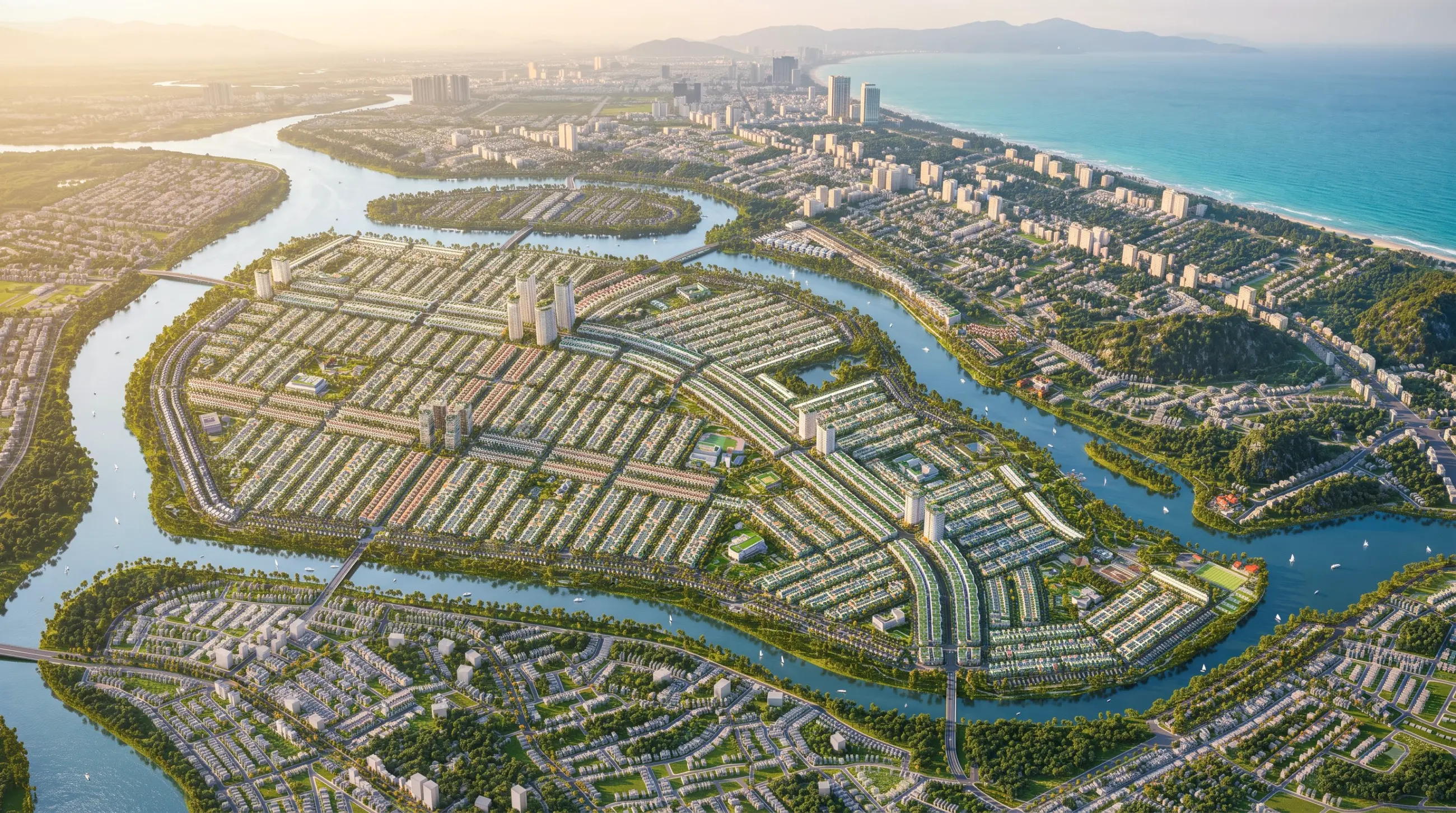
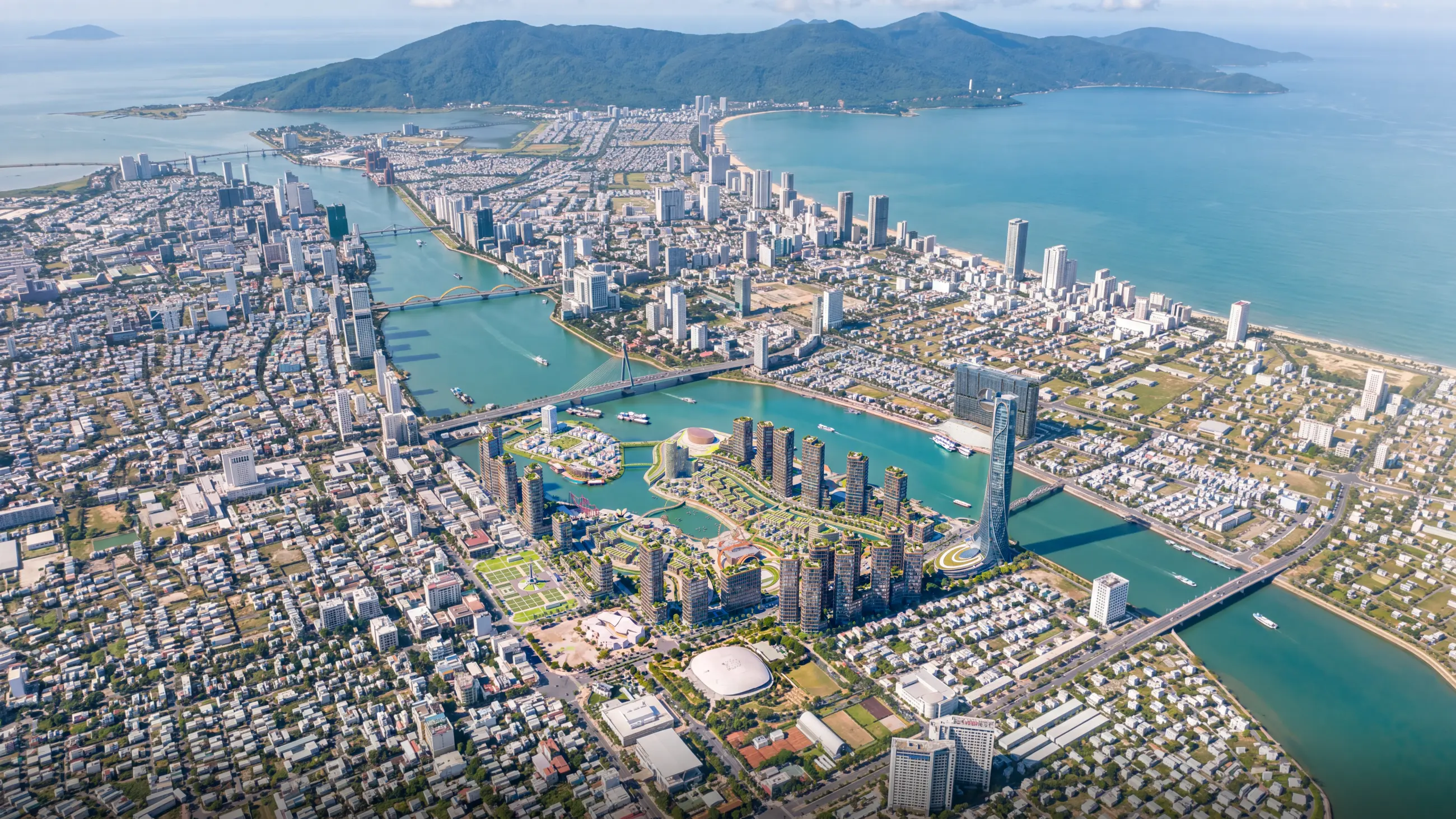
The hero image of the whole campaign. An aerial view of the entire project showing its scale, functional zones and links to the surrounding infrastructure.
Zone and streetscape views
For buyers who need to picture real daily life there. Eye-level views along the main streets instead of a bird's-eye view of a scale model.
On-site amenities
For buyers comparing projects. Pools, parks, sports areas and community spaces are rendered as a dedicated group of images.
Show units and interior spaces
For sales materials and product pages on the website. Interiors of the project's typical unit types.
Photomontage on existing site photos
For approval submissions or presentations to review boards. The building is composited into a real photograph of the site.
Image sets by aspect ratio
One view for every channel: landscape for websites and event screens, portrait for print and social media.
Why Lotuz
A sales launch has a fixed date, so the images must look great, arrive on time and have a clear cost from the start. The AI tools we develop in-house help us deliver all three.
AI built into our production pipeline
We use Lotuz.AI, a toolset we built ourselves: AI rendering straight from the SketchUp, 3ds Max and Photoshop viewport, keeping the model's massing, camera angle and openings exactly as they are.
- See lighting and materials early, before the final version
Edit only the area that needs it, keep the rest
Select the area that needs work to add trees and people, or change materials, lighting or time of day, while the rest of the image stays untouched. Lotuz Enhance upscales images to 10K.
- One view, several times of day when the campaign needs it
Experience and tools
More than 10 years and 200+ projects in Vietnam and 7 other countries. We build in 3ds Max and Corona Renderer; SketchUp models sync into 3ds Max through Lotuz Sync, so a design change does not mean rebuilding the scene.
- A consistent image set, however many views
Schedule worked back from the launch date
Exact milestones are set by project size when the contract is signed. We deliver in batches, so your communications team can start early instead of waiting for the full set.
- Approve the grey draft before materials and lighting go in
Priced per complete set
We quote per complete set, not per individual view. All views share one model and one lighting scheme, so every view after the first costs much less.
- A scope sheet with a budget, detailed enough for internal approval
One point of contact, fully confidential
One point of contact from start to finish. We sign NDAs, publish a project only with the developer's permission, and deliver files without Lotuz branding.
- Usage rights for the project's marketing are set out in the contract
Four steps from image list to handover
Exact milestones are set according to project size when the contract is signed.
Finalize the image list
Both sides review the media channels and settle the list of views and the aspect ratios for each channel.
Developer sends the documents
A 3D model or drawings, the finish materials schedule, the project identity kit, and drone flight permission if you need existing-site background photos.
Clay draft approval
The developer approves the layout and camera positions for the whole list, and only then do we work on materials and lighting.
Delivery in batches
Campaigns with many items are delivered in batches, so the marketing team can start early rather than wait for the full set.
What the developer sends, what comes back
Developer sends
- A 3D model or a set of planning and architectural drawings
- Material, finish color and landscape specifications
- Project identity: logo, color palette, fonts
- List of media channels that will use the images
- Sales launch date or media launch date
Lotuz delivers
- High-resolution JPG images, post-processed
- TIFF files for printing billboards and large-format materials
- Aspect ratios matched to the agreed channels
- Layered files so the marketing team can adjust them themselves
- All files free of Lotuz branding
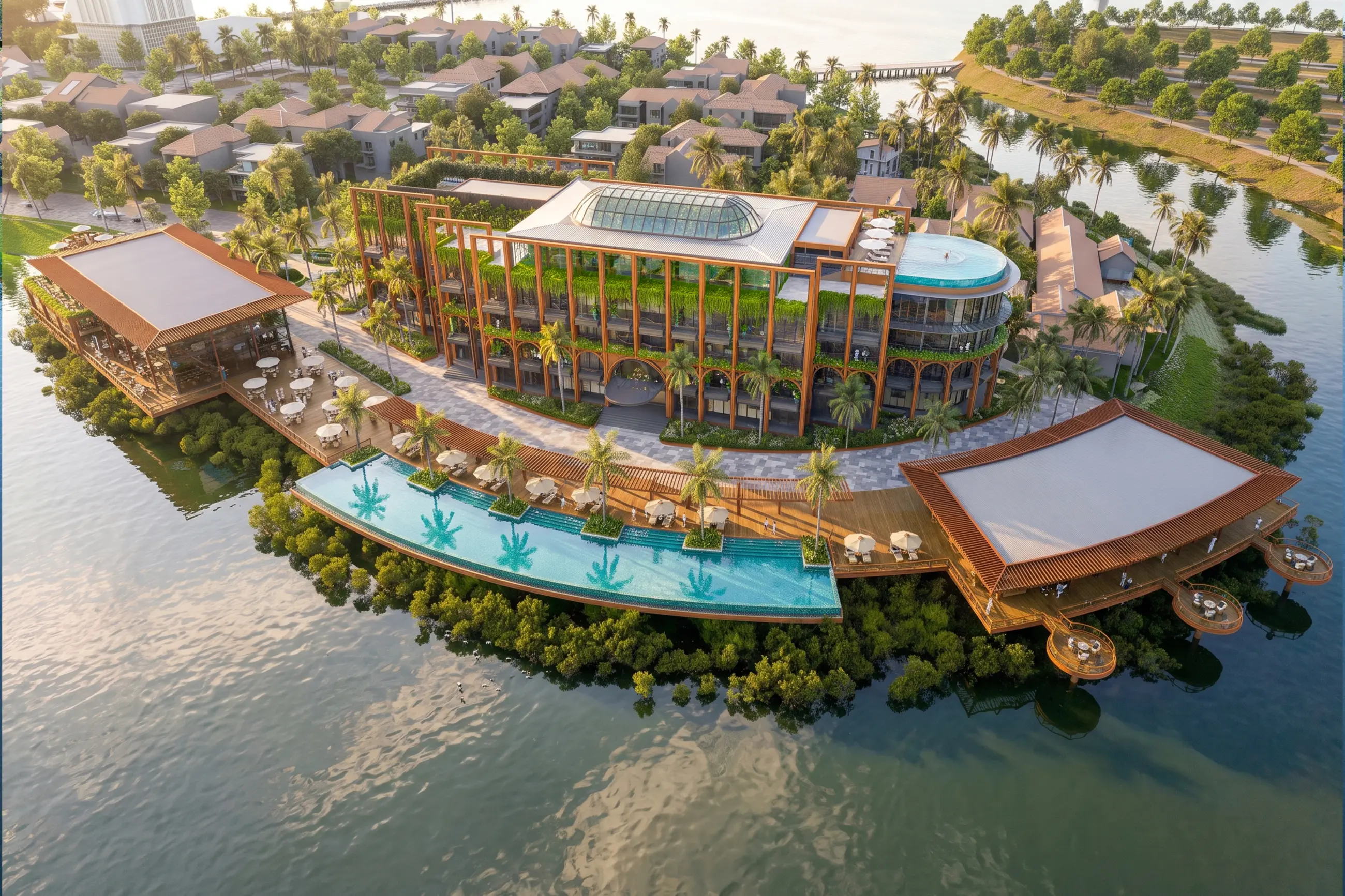
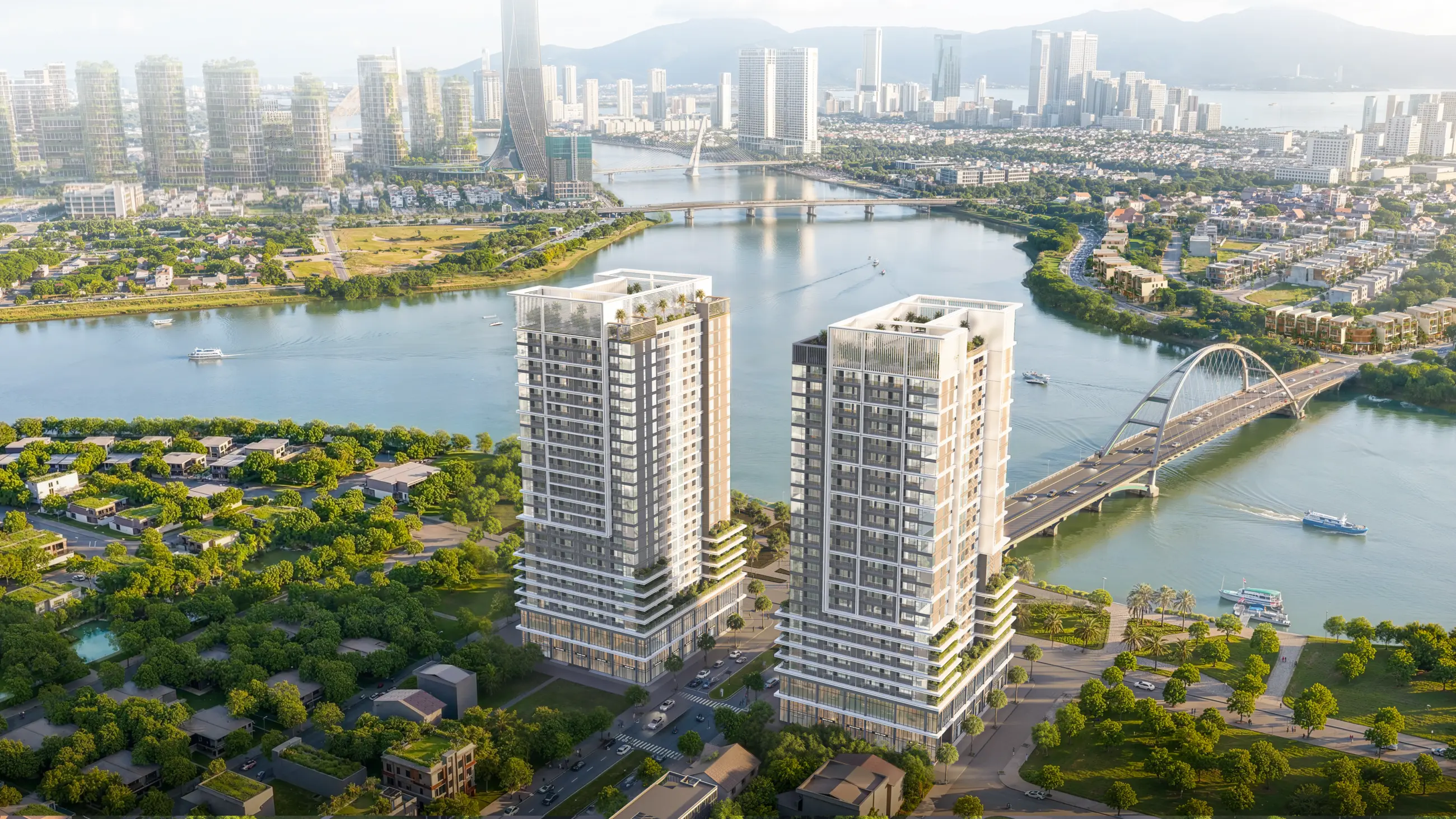
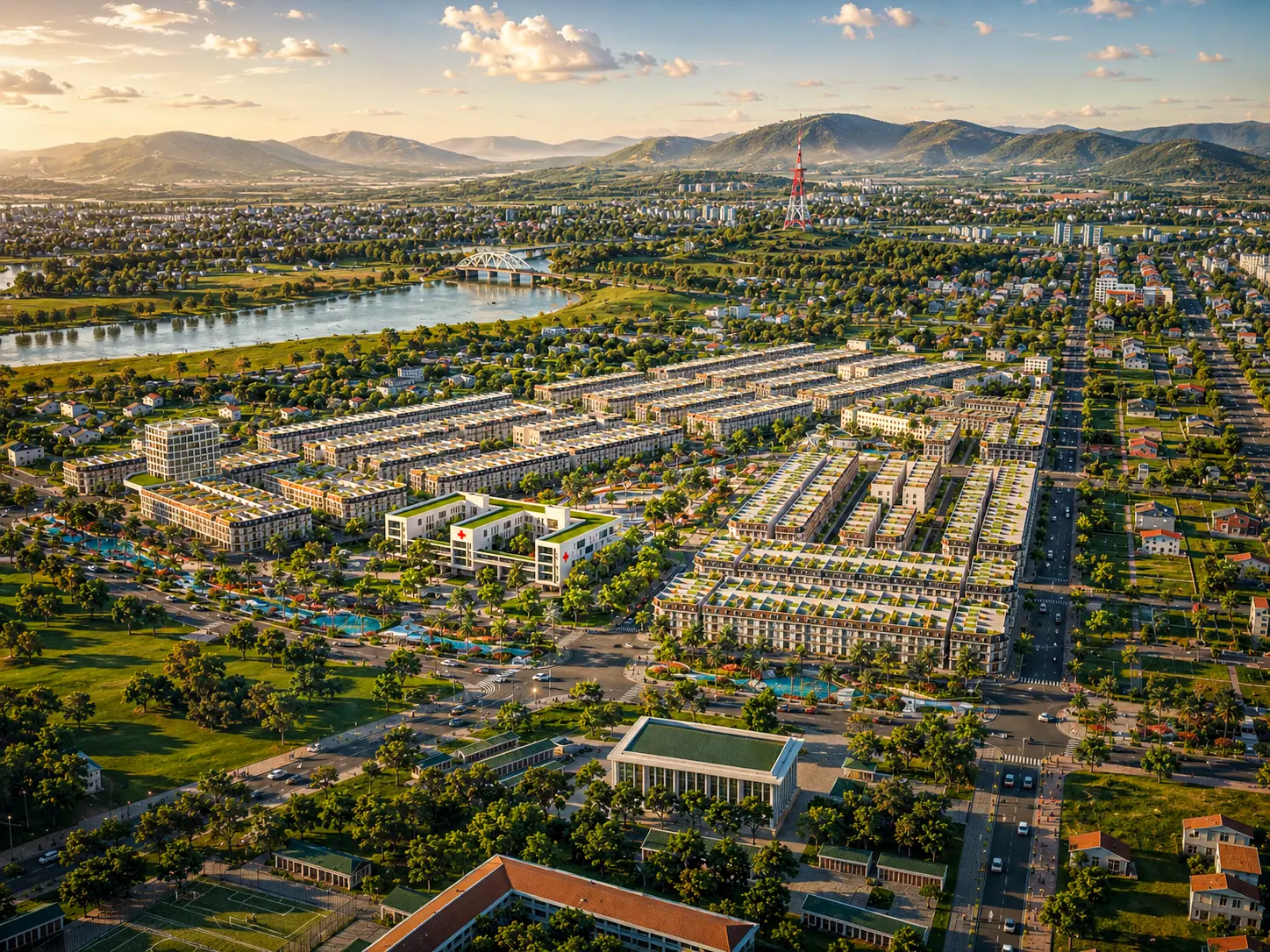
Real estate projects we've done
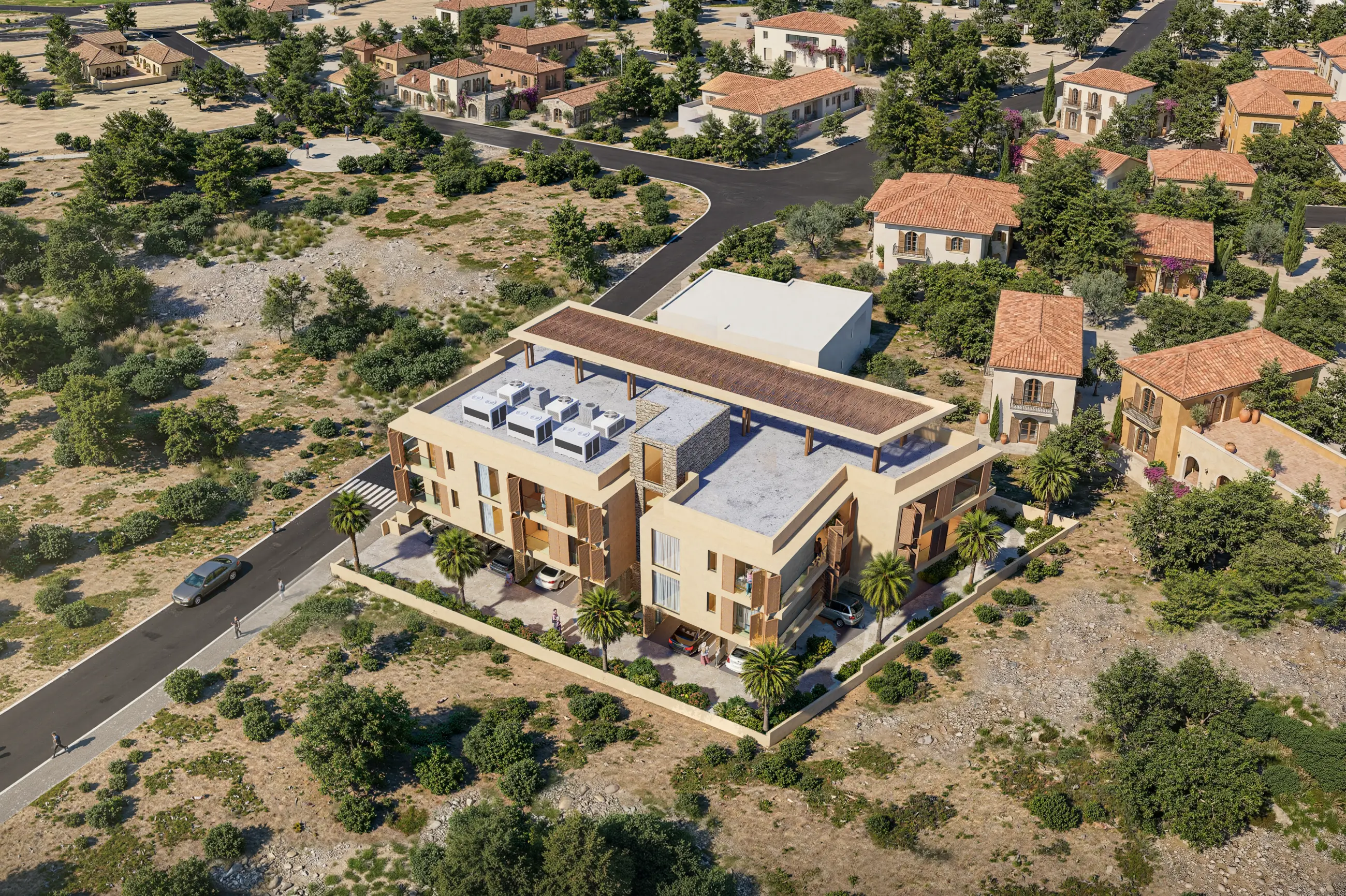
Open each project to see the full image set at large size.
FAQ
How is an image set priced?
What if there is no 3D model yet, only master plan documents?
What if we need images urgently for pre-launch marketing?
Can the image set be used across all media channels?
Will an unpublished project be posted on the showcase pages?
Can you also build a 360 virtual tour from the same model?
Discuss the sales campaign
Message us on Zalo or call directly. We send back a scope of work with a budget range, detailed enough to submit for internal approval.
- Project name, scale and product type
- Available materials: 3D model, drawings or planning only
- Media channels the images are planned for
- Sales launch date or media launch date